
Google Forms Autofill for repeated forms and saved answers
SmartAutoFill helps fill compatible text and paragraph response fields in repeated Google Forms from your saved profile and context; it does not select choice controls or submit responses.
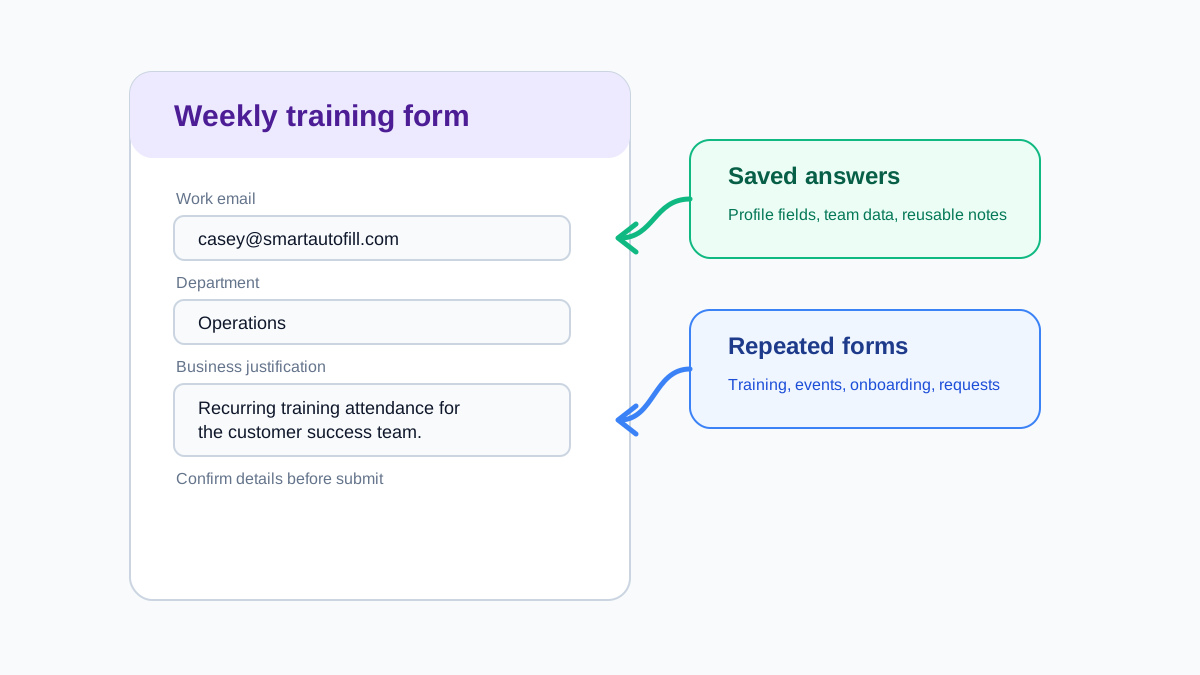
Autofill the repeated parts, review the form yourself
Google Forms often repeats stable profile questions before asking anything that needs fresh judgment.
Saved answers
Reuse stable details such as name, email, role, department, region, company, and website.
Clear choice-control limits
Radio buttons and checkboxes are detected but not selected, and custom dropdowns are not reliably fillable.
Survey-safe workflow
Draft truthful repeated information without inventing opinions or auto-submitting responses. SmartAutoFill is not a bot or spam tool.
Chrome extension flow
Install, sign in, scan the form, generate a fill plan, then review before submit.
Useful for legitimate repeated Google Forms workflows
SmartAutoFill is designed for productivity, not spam. Use it when a form asks for stable facts you already reviewed.
Internal requests
Equipment requests, access forms, training confirmations, and team check-ins.
Customer and vendor intake
Reuse company, contact, website, and business-summary fields.
Research questionnaires
Fill stable demographic or profile fields while reviewing opinion questions manually.
Course and event forms
Reuse registration details and common background information.
Google Forms autofill FAQ
Supported responses, unsupported choice controls, data use, and manual submission for repeated forms.
Try Google Forms-style autofill safely
Use the test page to evaluate compatible text, native select, and longer-answer fields before using SmartAutoFill on a Google Form.