
AI Form Filler Guides
AI Form Filler Guides
Practical guides for AI form filling, browser workflows, job applications, Google Forms, CRM records, and safe review-first autofill.
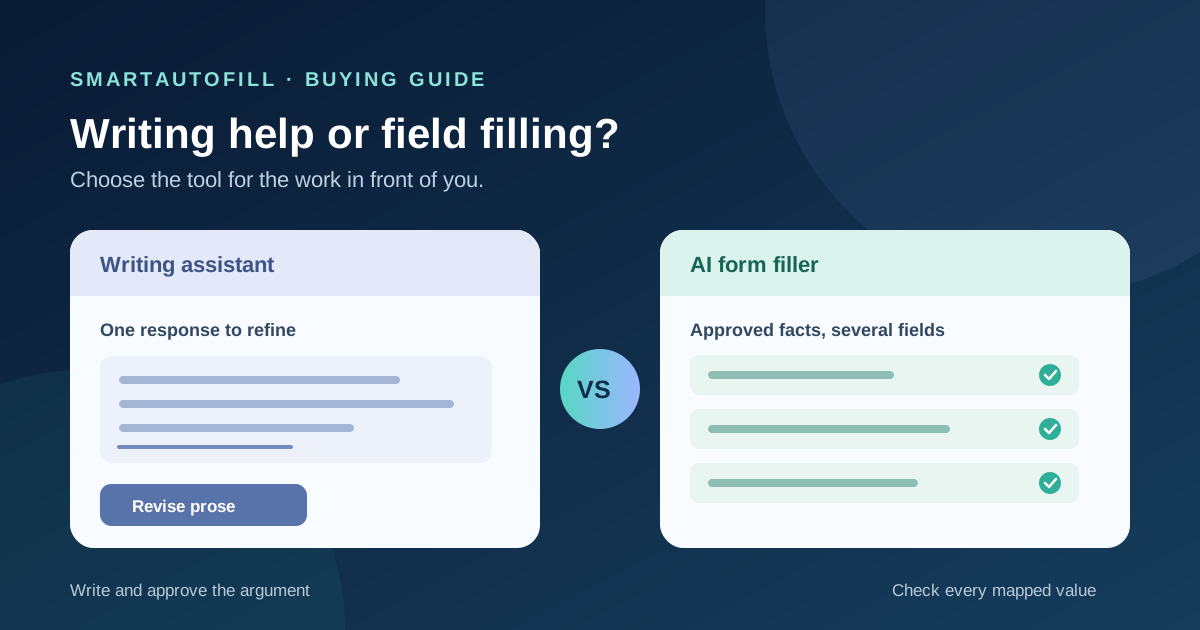
Grammarly vs AI Form Filler for Web Forms: Writing Help or Field Filling?
Compare a browser writing assistant with a review-first AI form filler. Learn when to polish one answer, when to reuse approved facts across fields, and where a human must decide.
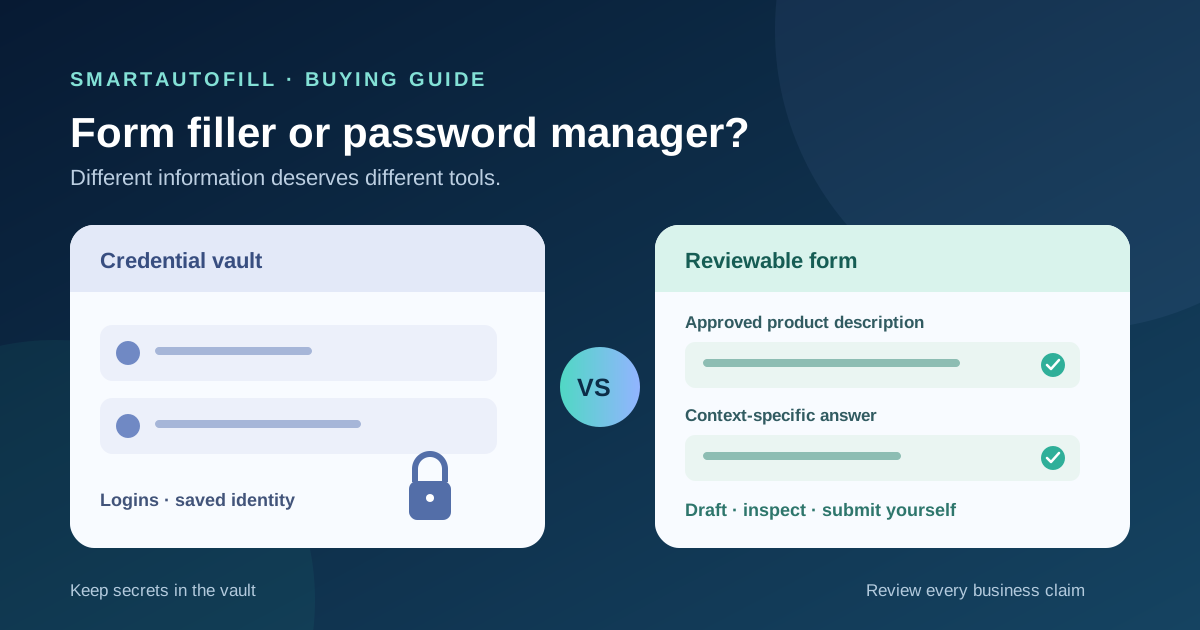
AI Form Filler vs Password Manager: Which Tool Should Fill Your Web Forms?
Password managers and AI form fillers can both put text in a browser form, but they solve different jobs. Compare login, identity, custom fields, long answers, review, and submission before buying.
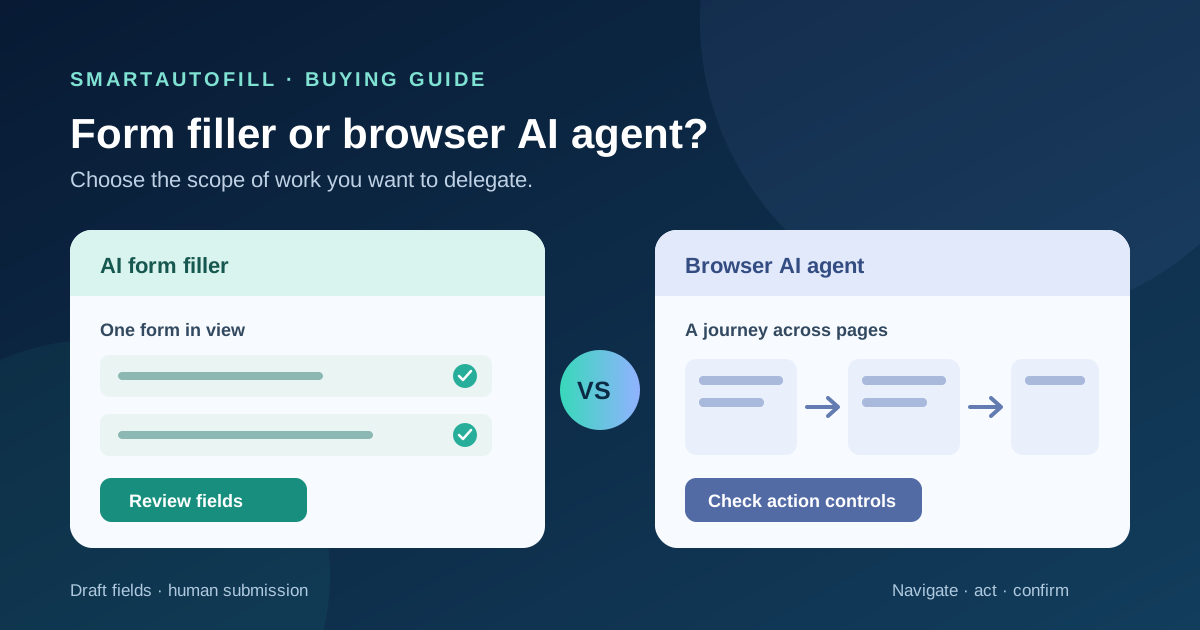
AI Form Filler vs Browser AI Agent: Which Tool Fits Repeated Web Forms?
Compare a review-first AI form filler with a browser AI agent for third-party web forms. Choose based on task scope, reusable facts, review points, and who should make the final decision.
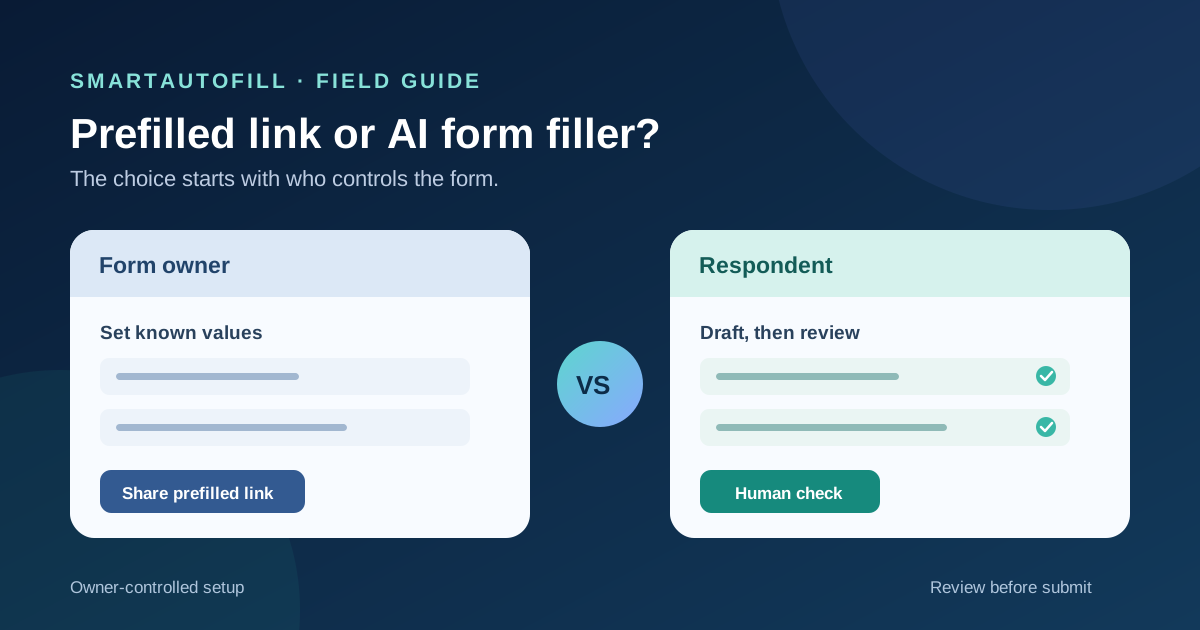
Prefilled Form Links vs AI Form Fillers: What If You Don't Own the Form?
Compare owner-created prefilled form links with a review-first AI form filler for third-party forms. Learn when each approach saves work, where access and privacy matter, and what still needs a human check.
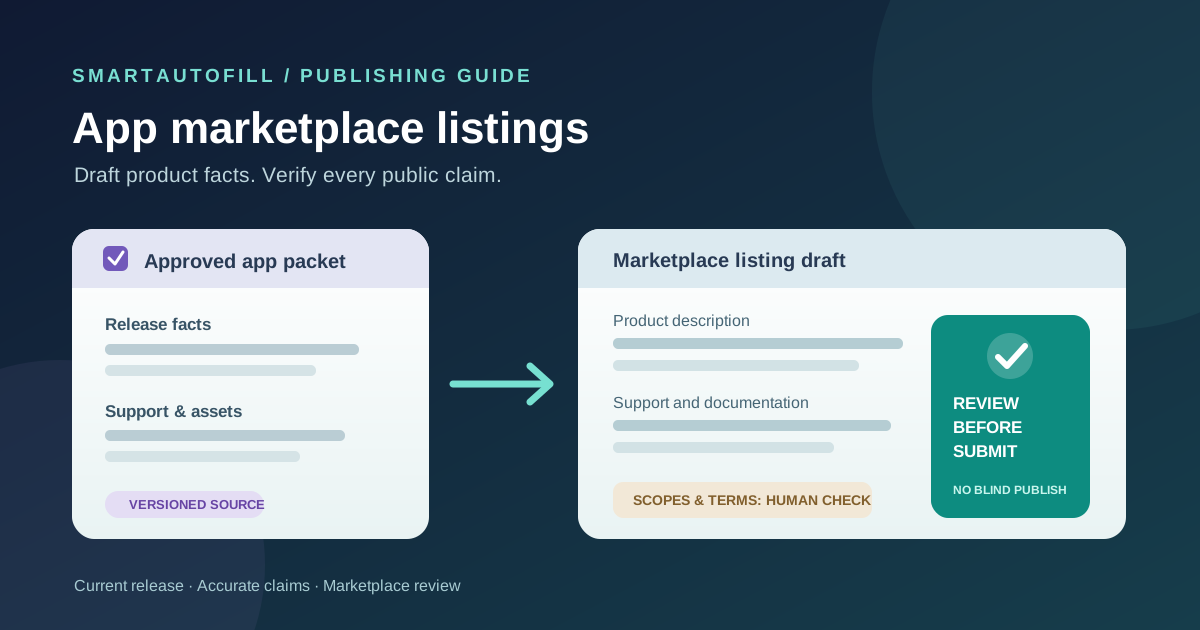
AI Form Filler for App Marketplace Listings: Reuse Product Facts, Review Every Claim
A practical guide for software teams completing app marketplace listing forms. Learn what to reuse from an approved product packet and what to check manually before review and publication.
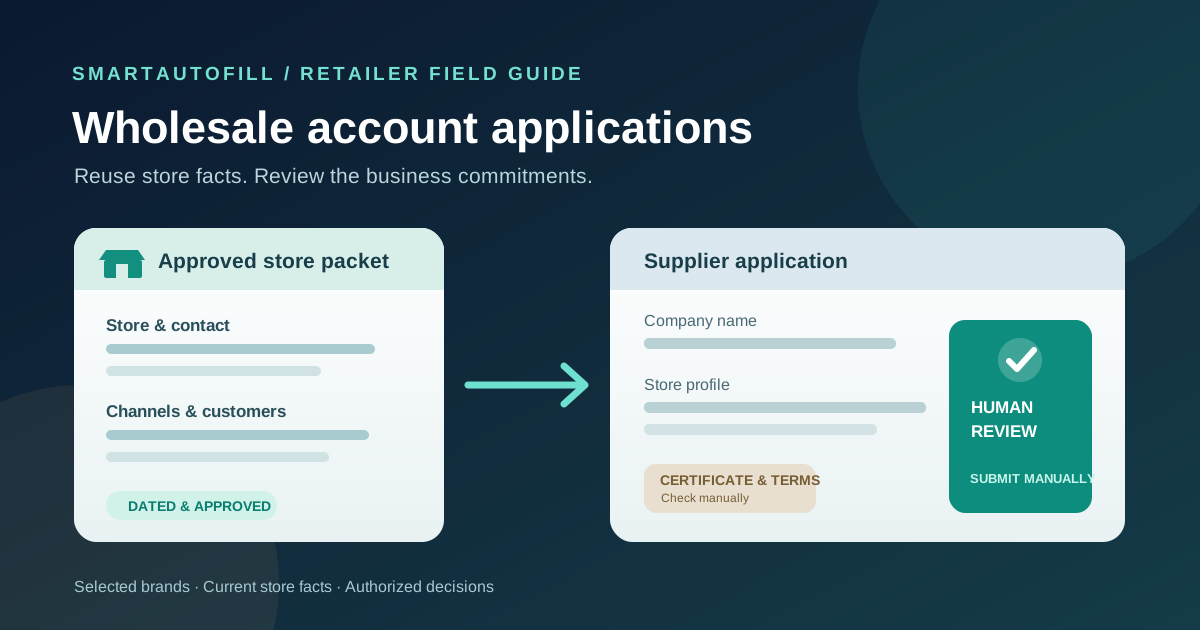
AI Form Filler for Wholesale Account Applications: Reuse Store Facts, Review the Terms
A retailer's guide to using an AI form filler for selective wholesale account applications. Reuse approved store details while checking resale documents, sales-channel rules, payment, and final submission yourself.
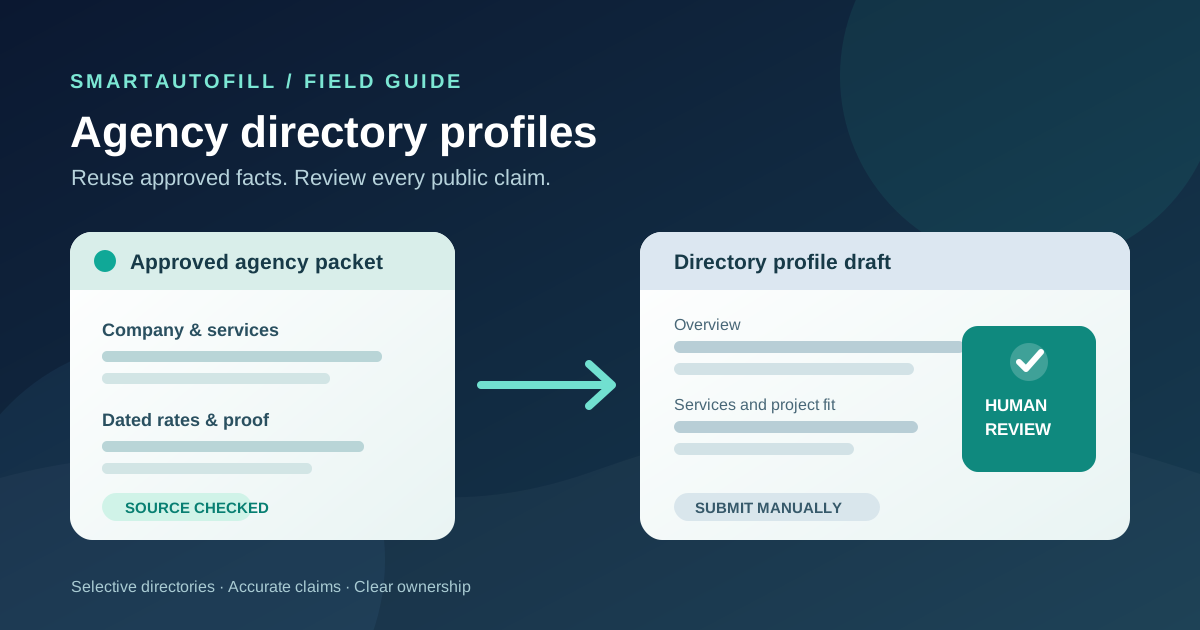
AI Form Filler for Agency Directory Profiles: Reuse Facts, Review Every Claim
A practical guide for agencies completing selective directory profiles. Learn which company facts to reuse, which claims need fresh review, and when a browser form filler is a poor fit.
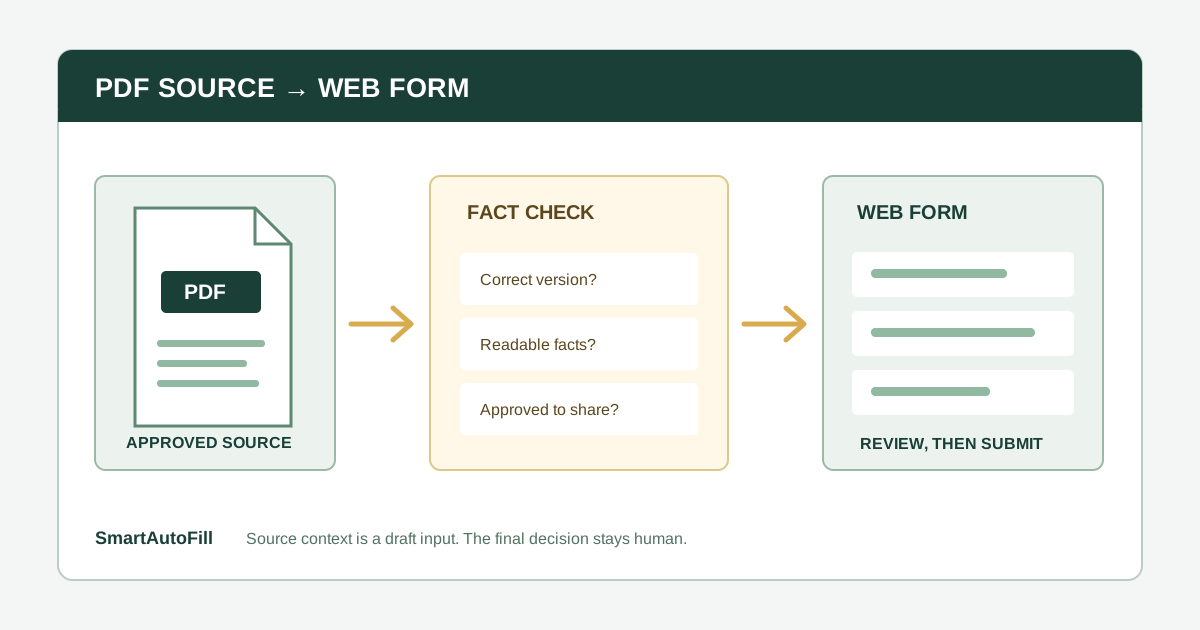
Can an AI Form Filler Fill a Web Form From a PDF? A Practical Buying Guide
Learn the difference between using a PDF as source material and filling a PDF form, and how to review extracted facts, scanned pages, sensitive fields, and final submission before buying an AI form filler.
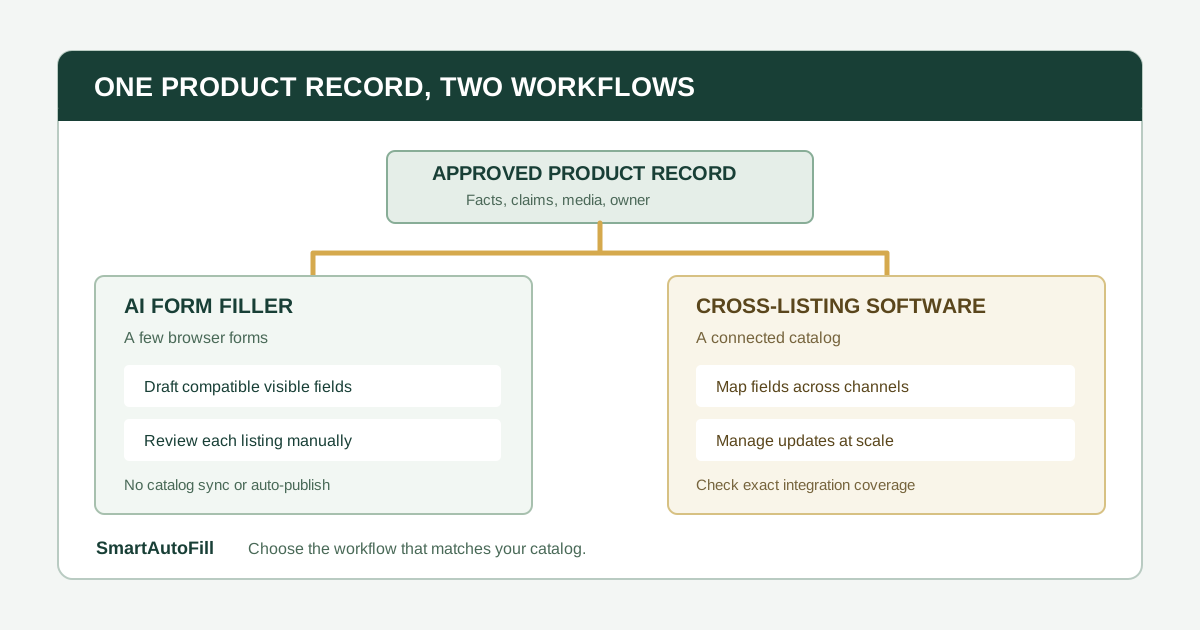
AI Form Filler vs Cross-Listing Software: Which Fits Marketplace Product Listings?
Compare a review-first AI form filler with cross-listing tools for product listings. Learn when to reuse approved product text in a browser form and when catalog mapping, bulk edits, and inventory sync call for another tool.
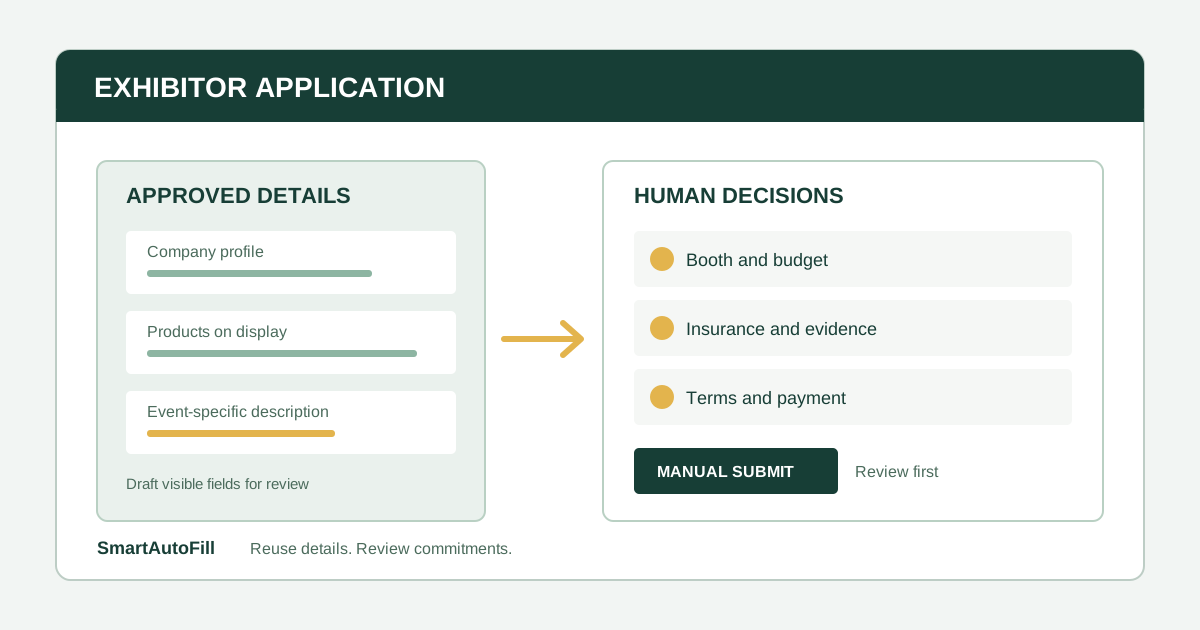
AI Form Filler for Trade Show Exhibitor Applications: Reuse Details, Review Commitments
A practical workflow for exhibitors using an AI form filler to prepare company and product details while keeping booth choices, costs, insurance, terms, payment, and submission under human control.
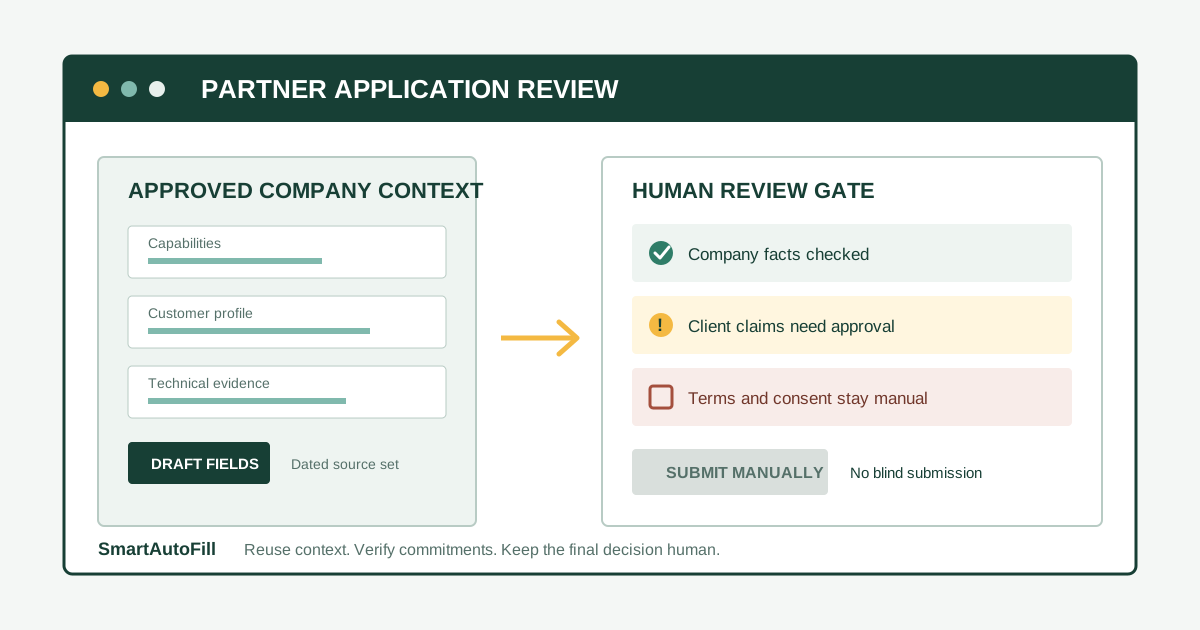
AI Form Filler for Partner Program Applications: Reuse Company Context Without Blind Submission
A practical guide for agencies, consultancies, SaaS vendors, and service partners using an AI form filler for partner program applications while keeping client claims, legal terms, financial details, consent, and submission under human control.
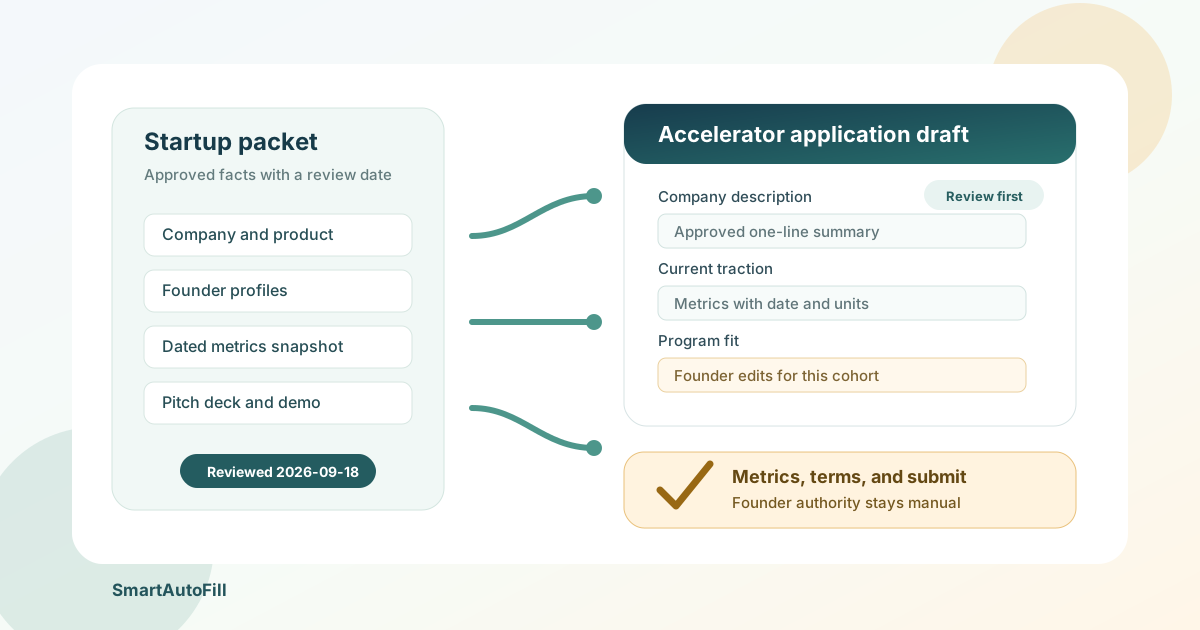
AI Form Filler for Startup Accelerator Applications: Reuse Company Context Without Blind Submission
A practical guide for founders using an AI form filler on accelerator applications while keeping traction, cap table, program fit, consent, attachments, and final submission under human control.
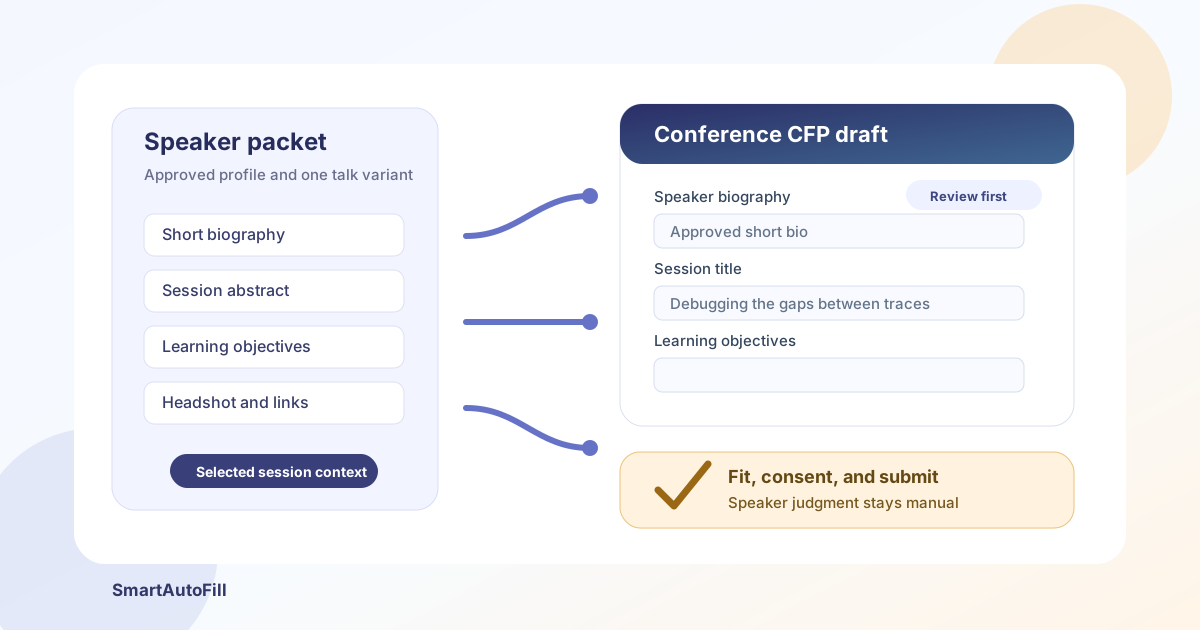
AI Form Filler for Conference Speaker Proposals: Reuse Your CFP Profile Without Losing Review
A practical guide for speakers using an AI form filler on CFP portals while keeping abstracts, audience fit, consent, co-speaker details, and final submission under human control.
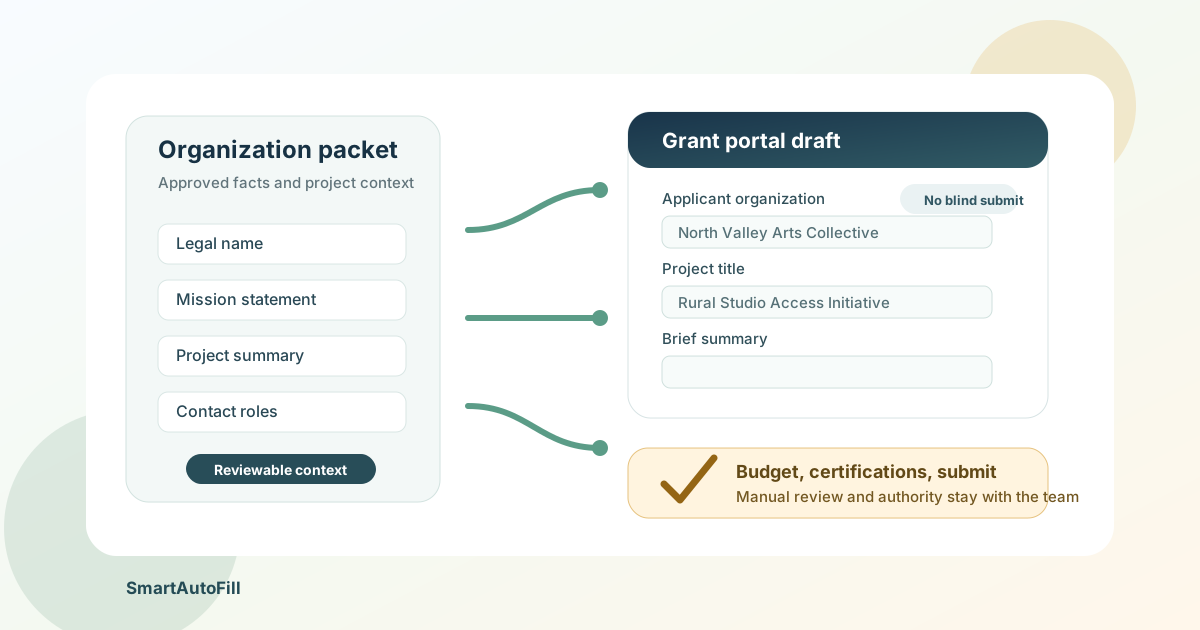
AI Form Filler for Grant Applications: Reuse Organization Context Without Losing Review
A practical guide for nonprofit and research teams using an AI form filler on grant portals while keeping eligibility, budgets, certifications, attachments, and final submission under human control.
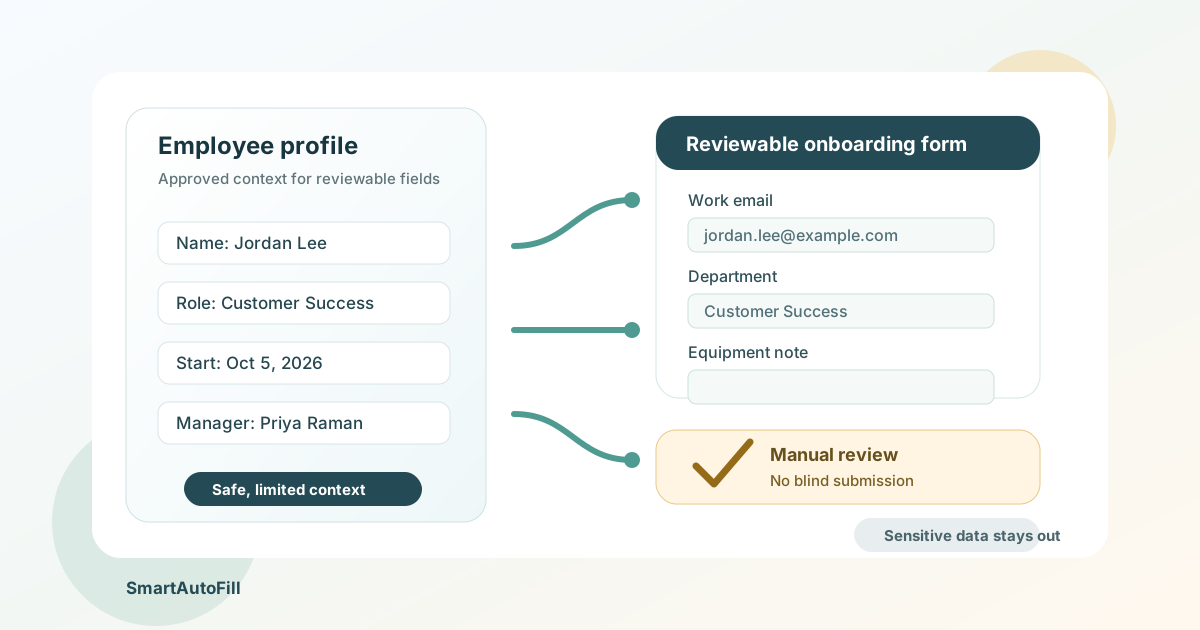
AI Form Filler for Employee Onboarding: What HR Teams Should Automate
A practical guide for HR and People Ops teams using an AI form filler to reuse approved employee context across onboarding forms while keeping payroll, identity, and consent decisions with a person.
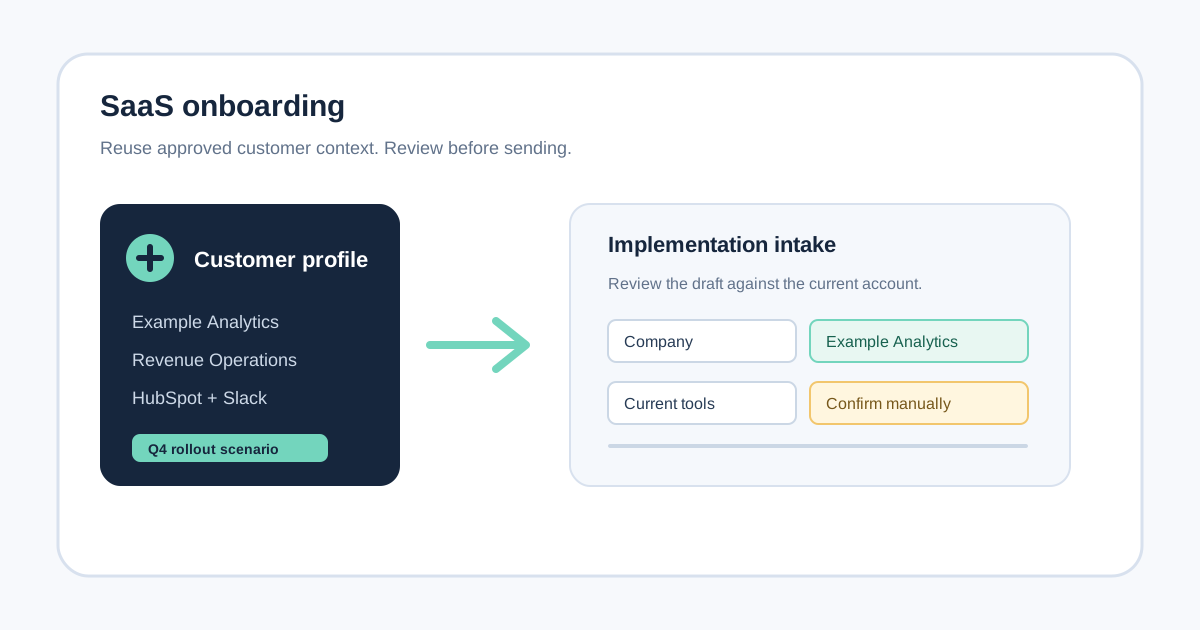
AI Form Filler for SaaS Onboarding: Reuse Customer Context Without Losing Review
Learn where an AI form filler helps SaaS implementation and customer-success teams reuse approved company context across onboarding forms, and where a CRM or integration is the better tool.
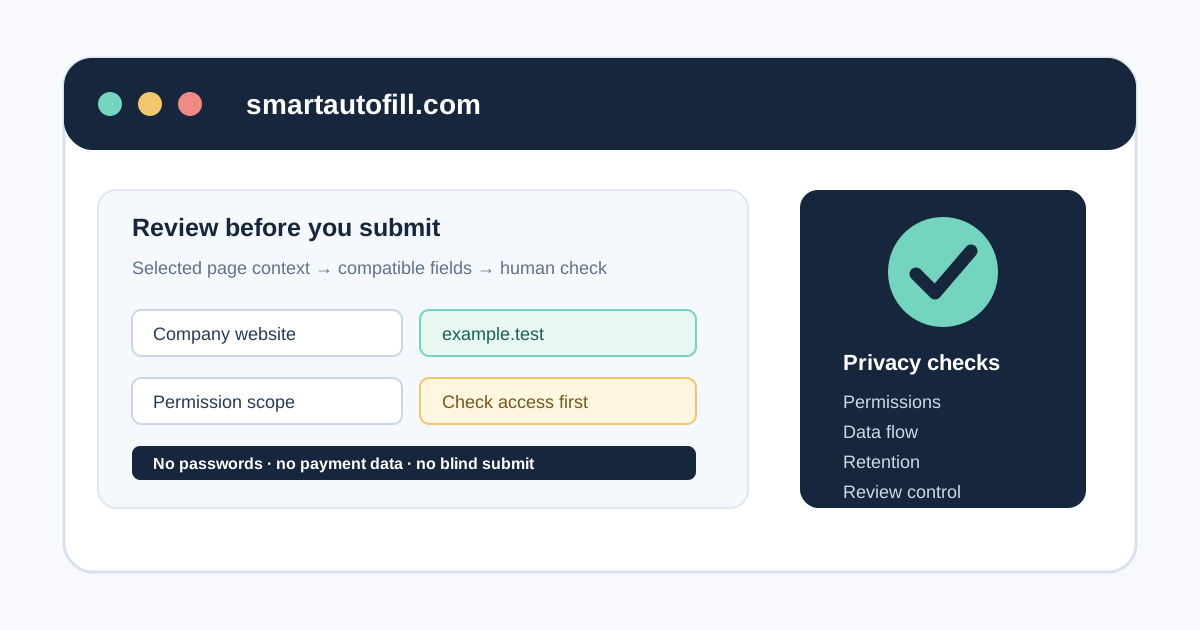
Is an AI Form Filler Safe? A Privacy and Permission Checklist
Before installing an AI form filler, check its permissions, data flow, retention, and review controls. Use this practical checklist to decide whether a browser extension fits your workflow.
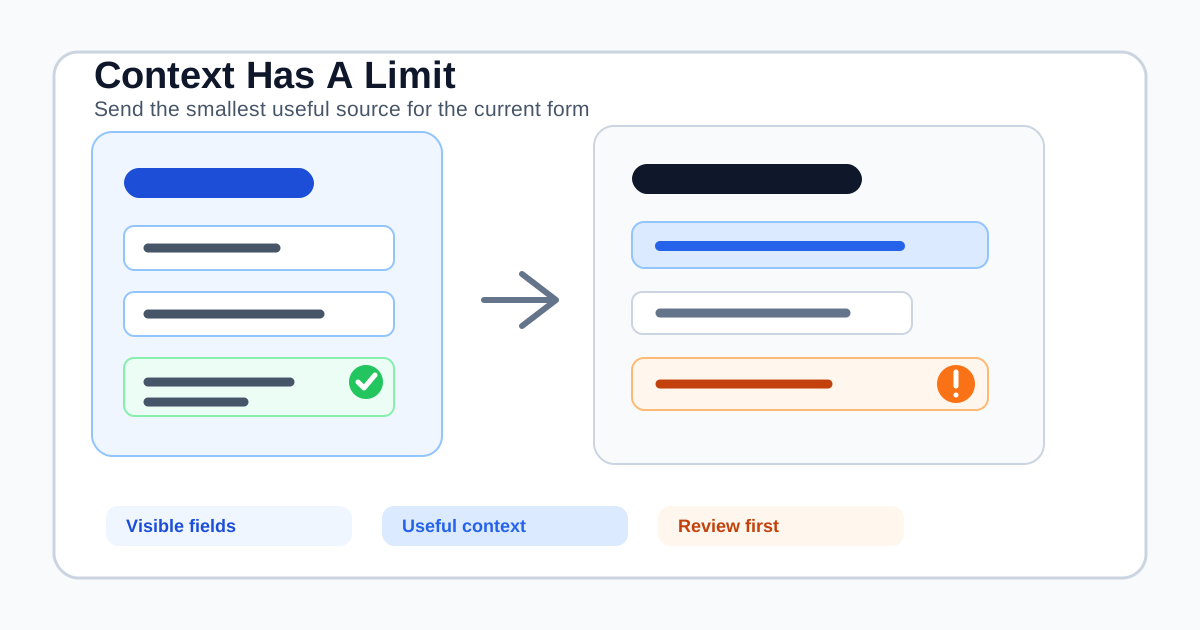
How Much Context Does an AI Form Filler Need? A Practical Guide to Page Limits
More page text does not always produce a better form fill. Learn how context limits, selected fields, saved profiles, truncation, privacy, and review affect AI autofill quality.
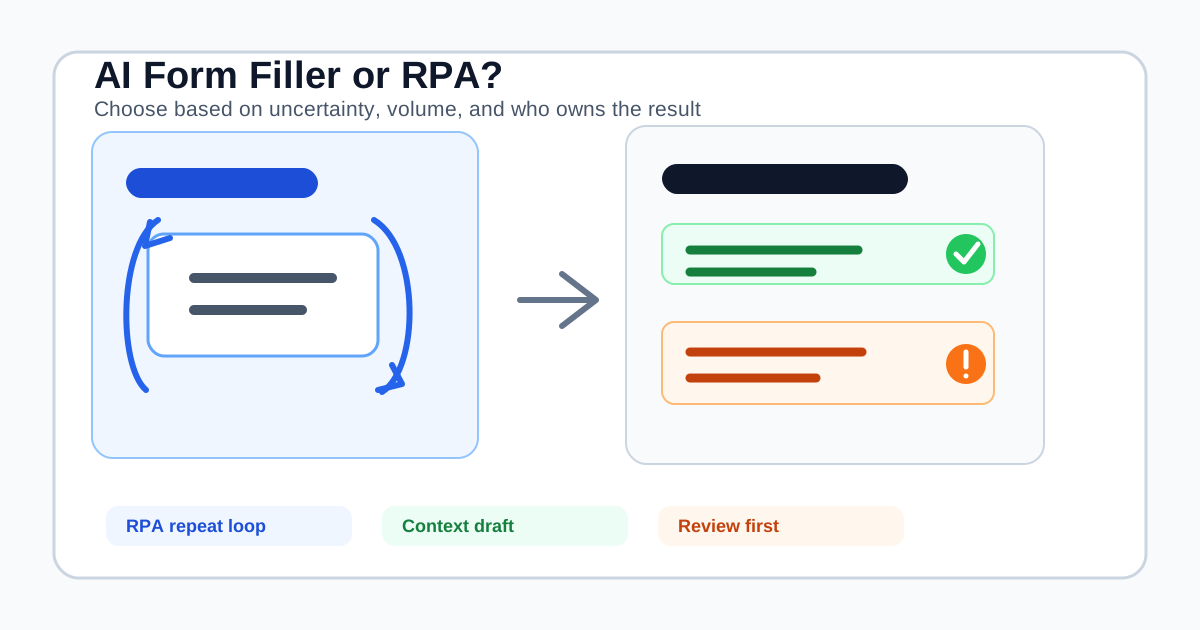
AI Form Filler vs RPA: Which Automation Fits Browser Data Entry?
AI form fillers and RPA both reduce repetitive browser work, but they solve different problems. Compare judgment, volume, maintenance, review, and submission before choosing a tool.
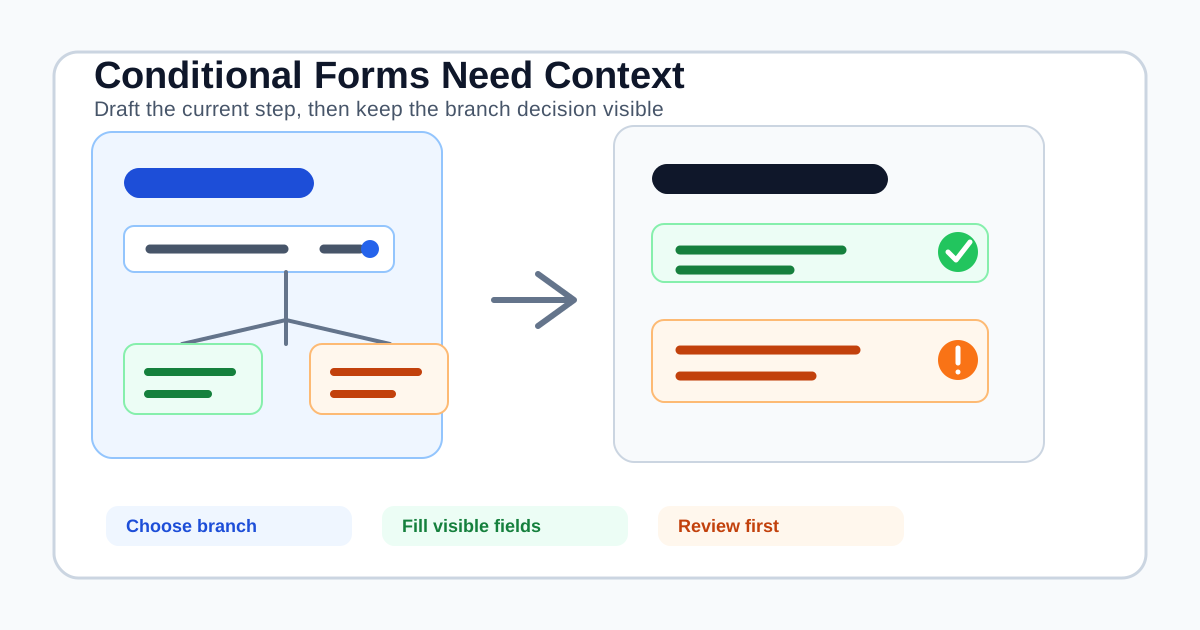
Can AI Form Fillers Handle Conditional Logic? A Practical Buying Guide
Conditional forms reveal the limits of AI autofill. Learn how branching, hidden fields, multi-step pages, and manual review should shape your form-filler decision.
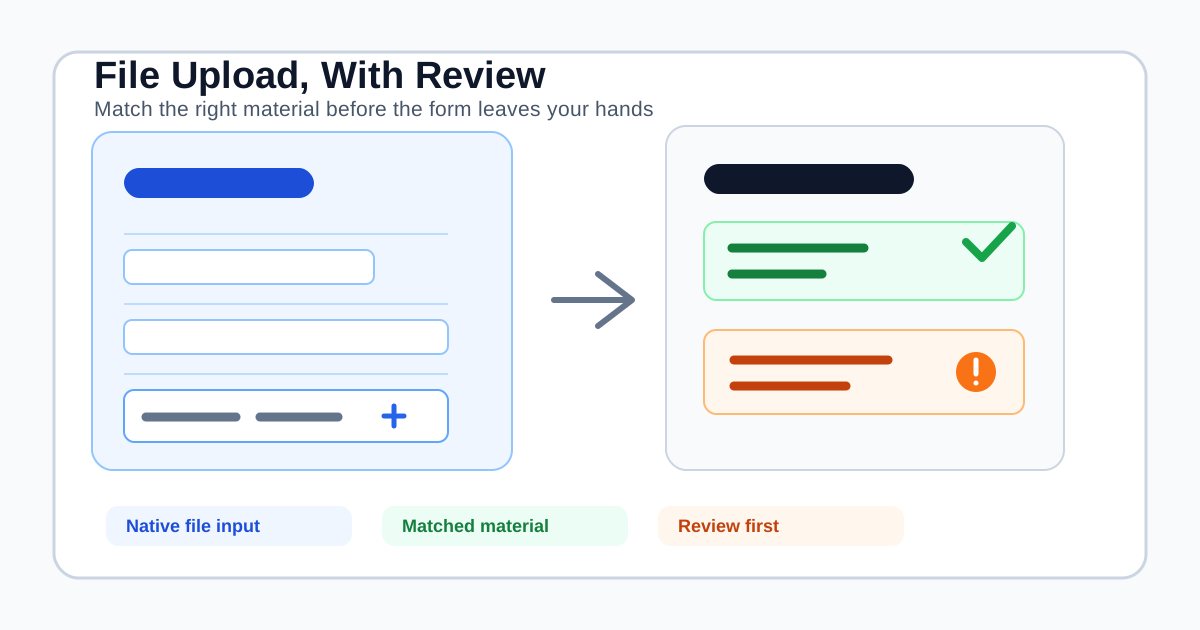
Can AI Form Fillers Handle File Uploads? What to Check Before You Buy
AI form fillers can draft text and, in some workflows, help with attachments. Learn how native file inputs, stored materials, privacy, and manual review should shape your buying decision.
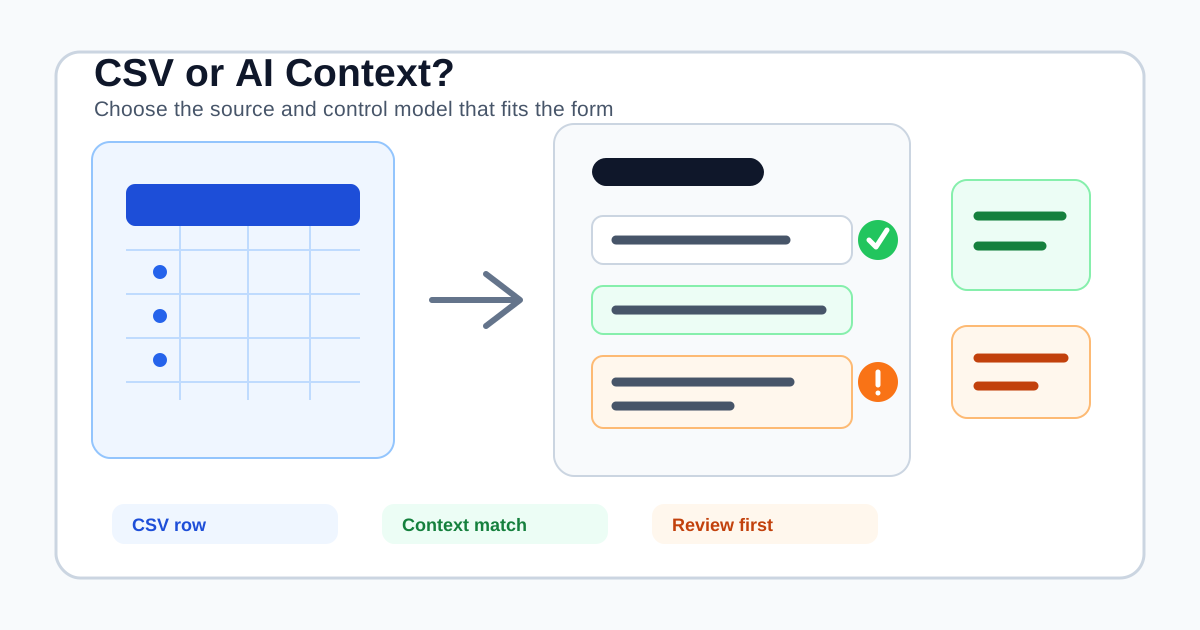
Can AI Form Fillers Autofill From CSV? What to Check Before You Buy
CSV-to-form tools and AI form fillers solve different data-entry problems. Learn when row mapping makes sense, when context-aware filling is safer, and where SmartAutoFill fits.
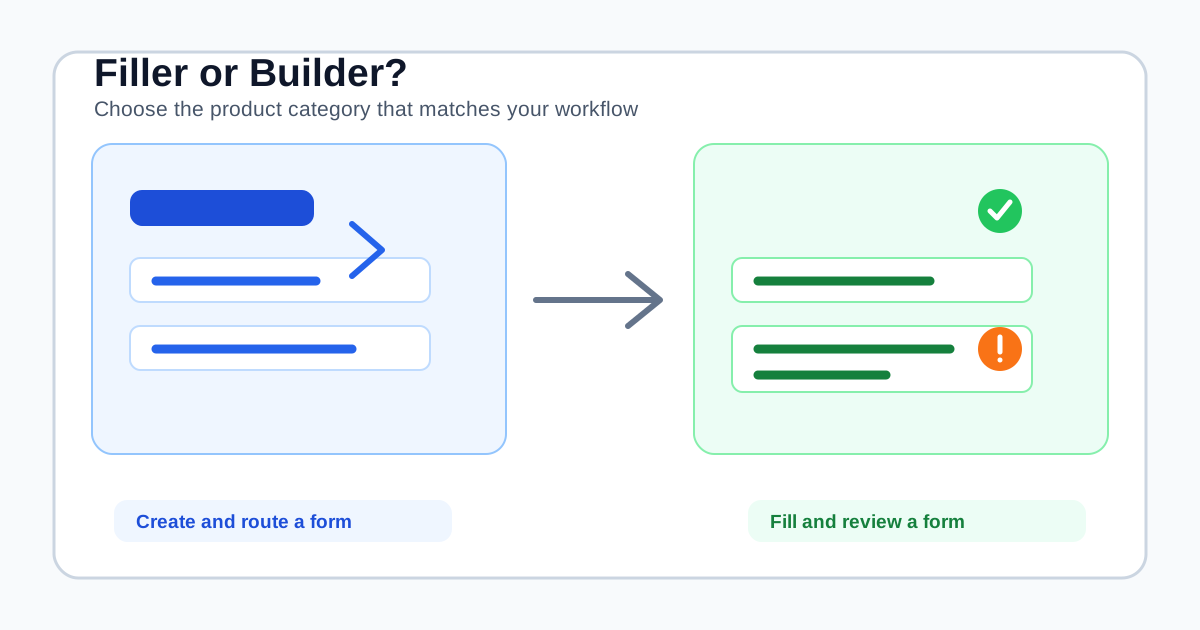
AI Form Filler vs AI Form Builder: Which Tool Fits Your Workflow?
AI form fillers and AI form builders solve different problems. Learn which one fits your workflow, what each tool should do, and where SmartAutoFill belongs.
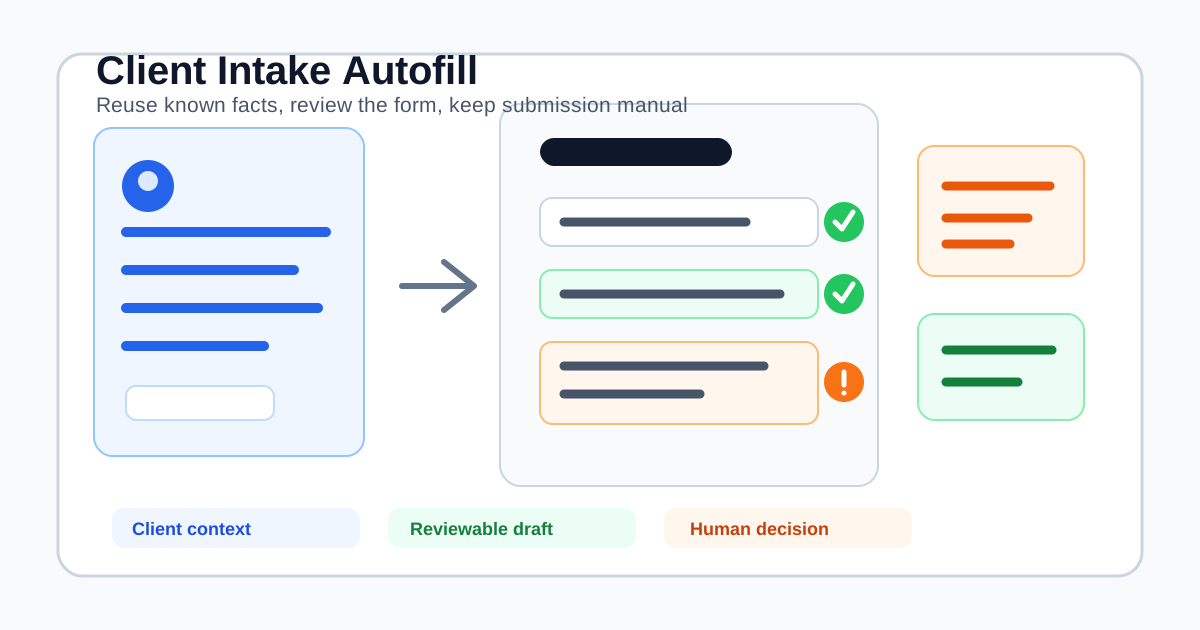
AI Form Filler for Client Intake Forms: A Review-First Workflow
How agencies, consultants, and service teams can use an AI form filler for client intake forms without automating sensitive decisions or blind submission.
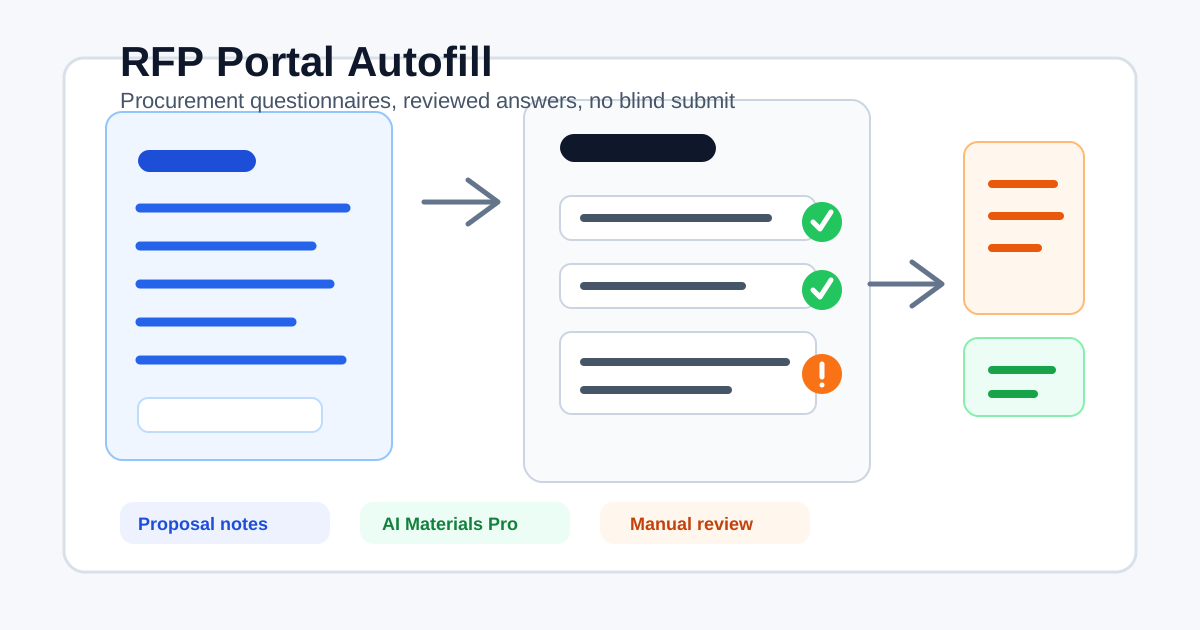
AI Form Filler for RFP Portals and Procurement Questionnaires
How proposal, sales, and supplier teams can use an AI form filler for RFP portals, procurement questionnaires, supplier profiles, and reviewable bid workflows.
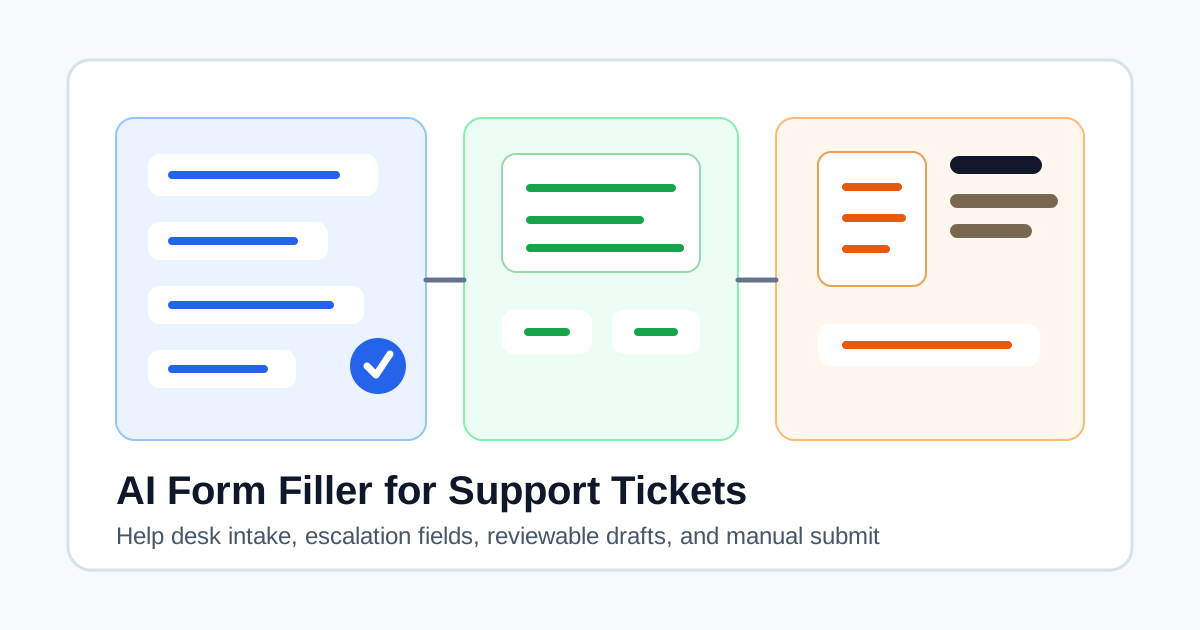
AI Form Filler for Support Tickets and Help Desk Intake Forms
How support, IT, and operations teams can use an AI form filler for ticket intake, escalation forms, help desk requests, and reviewable support workflows.
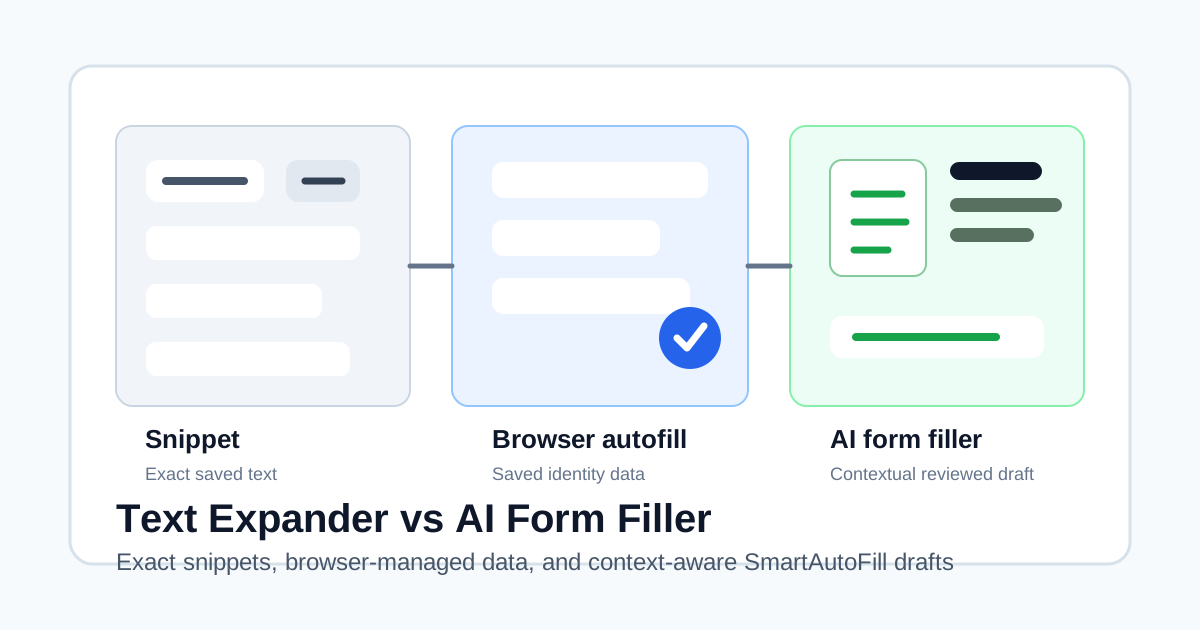
Text Expander vs AI Form Filler: Which Tool Should Handle Your Web Forms?
A practical comparison of text expanders, browser autofill, and AI form fillers for sales, support, CRM, intake, onboarding, and repeat web forms.
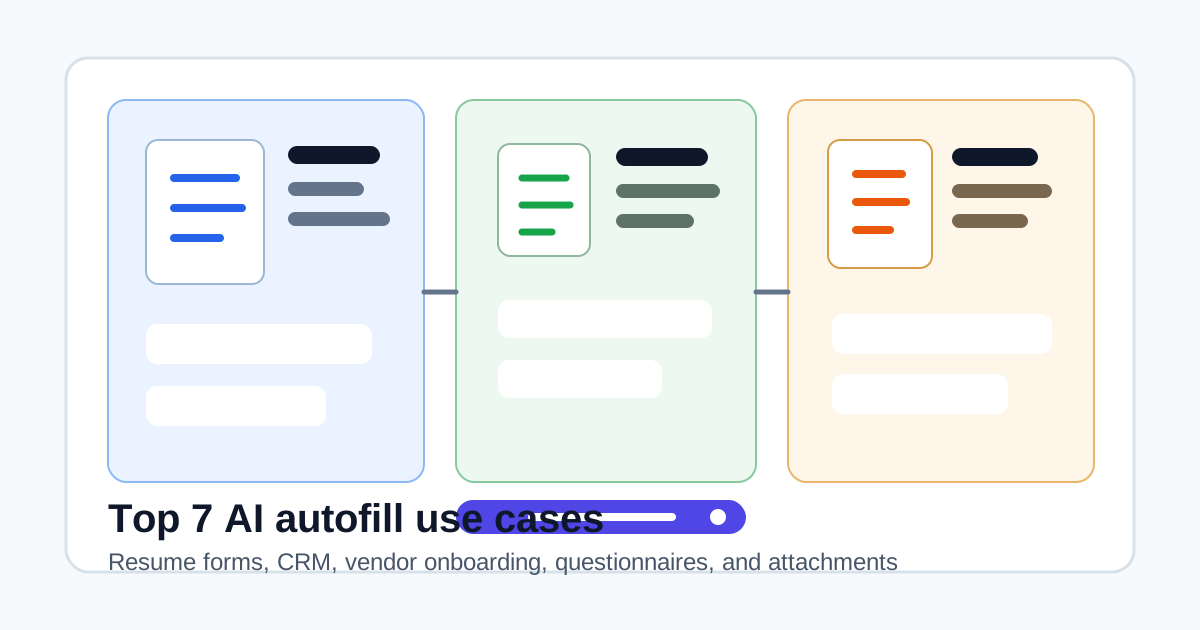
Top 7 AI Autofill Use Cases for 2026: Resume Forms, CRM, and Vendor Questionnaires
A practical guide to the AI autofill use cases that actually save time, from resume forms and CRM records to vendor onboarding, security questionnaires, and attachment-aware workflows.
Job Application Autofill and Resume Form Filler Tools for 2026
Compare job application autofill and resume form filler tools for ATS workflows, resume-based profiles, application tracking, custom questions, files, and manual review.
AI Form Filler for Workday, Greenhouse, Lever, and Other ATS Workflows
How to think about AI form filling for Workday, Greenhouse, Lever, Ashby, iCIMS, and career-site applications without overclaiming automation.
Best AI Form Filler Chrome Extensions: A Public-Feature Comparison
Compare AI form filler Chrome extensions by public features, data sources, control support, provider setup, sensitive-field boundaries, and user control.
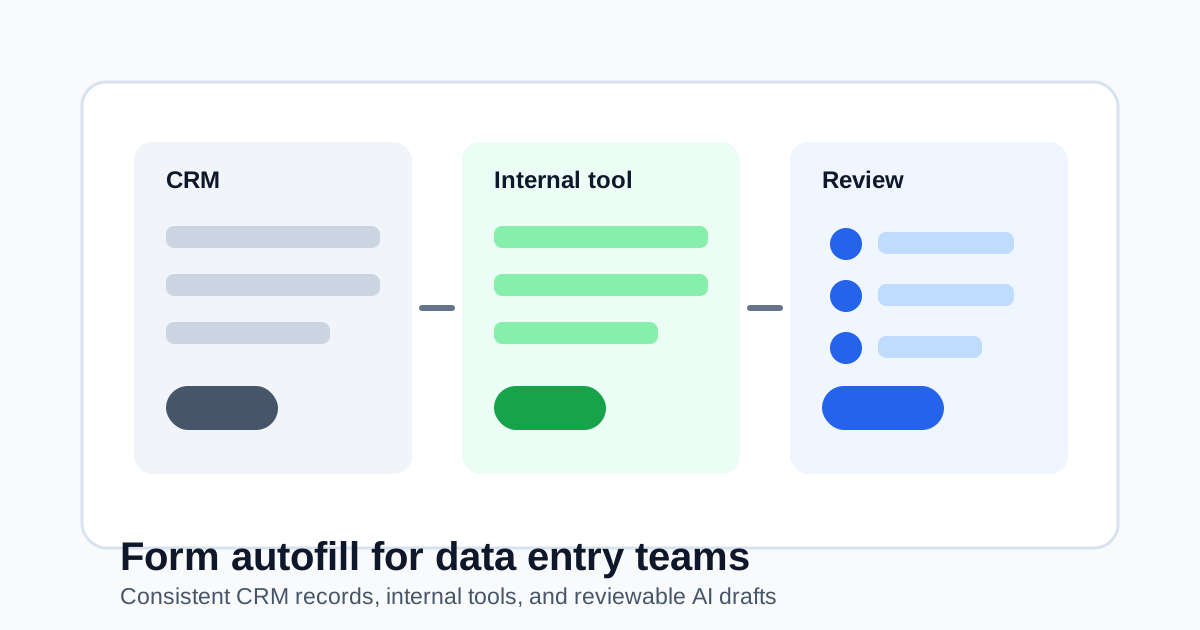
Form Autofill for Data Entry Teams: CRM, Support, and Internal Tool Workflows
How data entry teams can use form autofill to reduce repetitive CRM, support, operations, and internal tool work while keeping records reviewable.
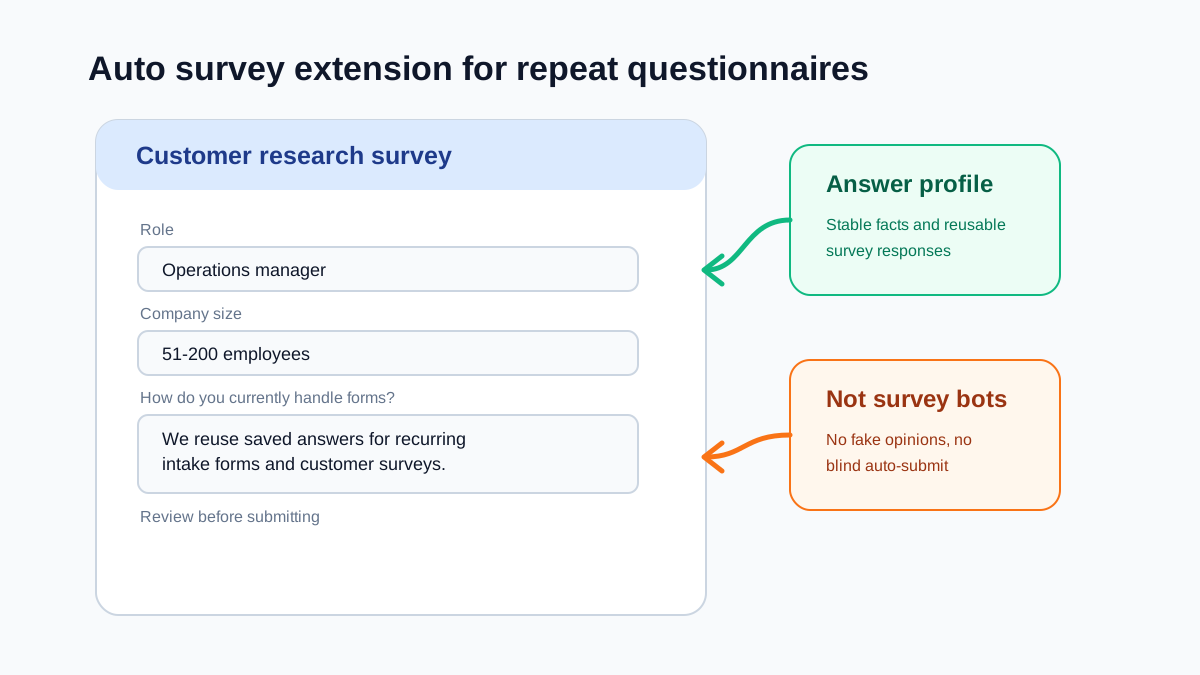
Auto Survey Extension: How to Reuse Answers Without Turning Surveys Into Spam
A practical guide to auto survey extension workflows for repeat questionnaires, research panels, course feedback, and customer intake forms.
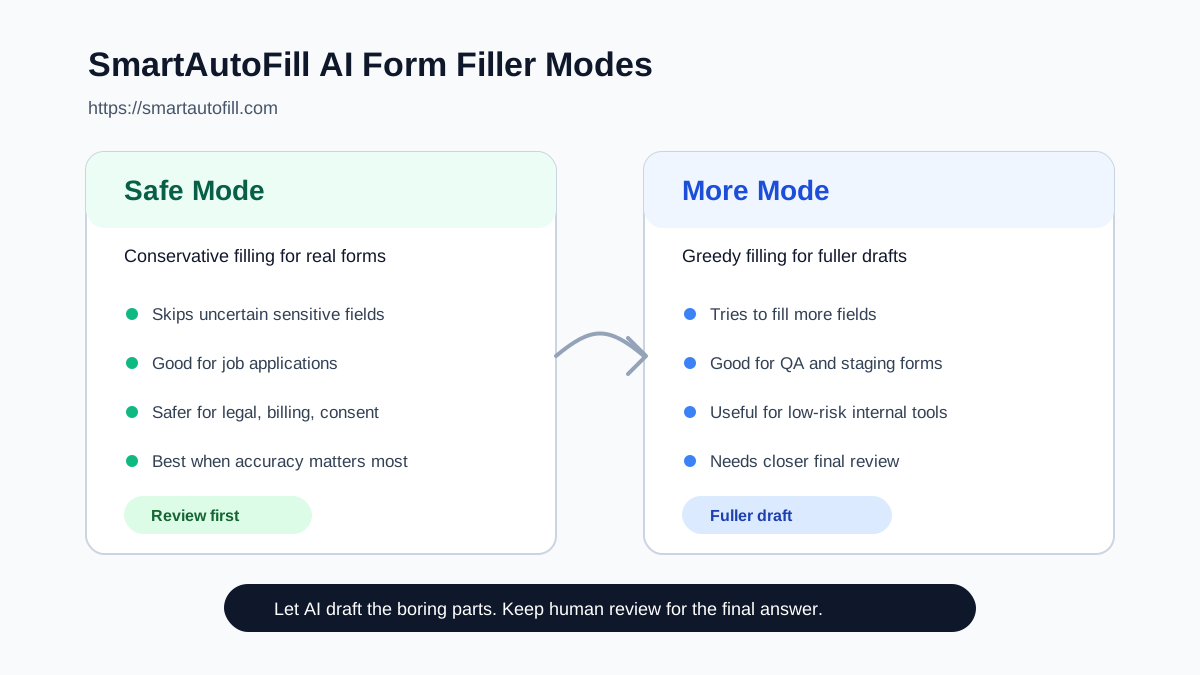
Safe Mode vs More Mode: How to Use SmartAutoFill's AI Form Filler
Learn when to use Safe Mode, when to enable More Mode, and how SmartAutoFill handles complex forms without removing human review.
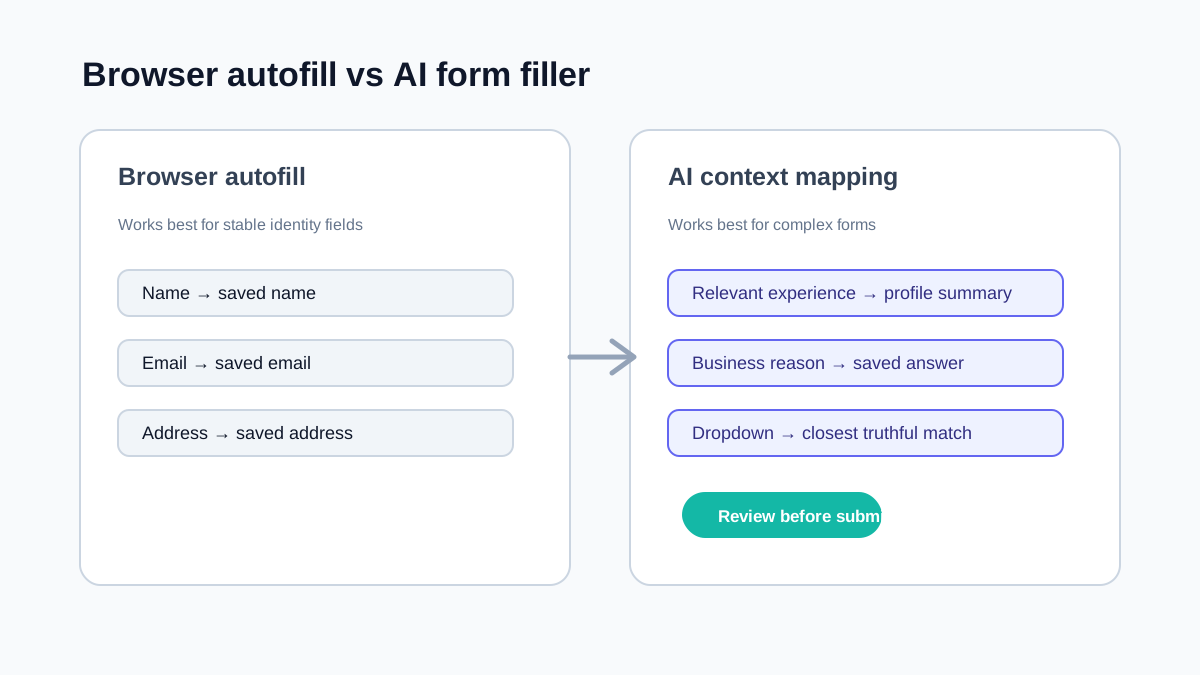
AI Form Filler vs Browser Autofill: What Each One Is Actually Good For
Understand when browser autofill is enough, when an AI form filler helps, and how to avoid over-automating complex forms.
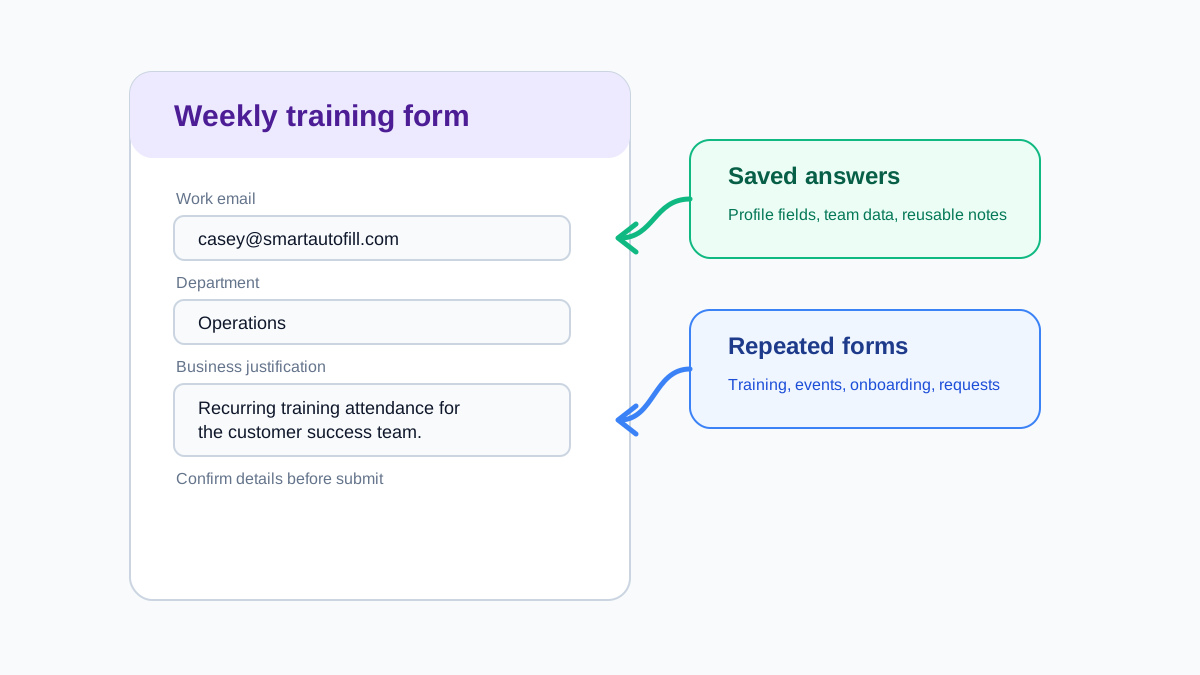
How to Autofill Google Forms With Saved Answers for Repeated Workflows
Use Google Forms autofill safely for repeated surveys, training forms, onboarding forms, and internal requests without submitting stale answers.
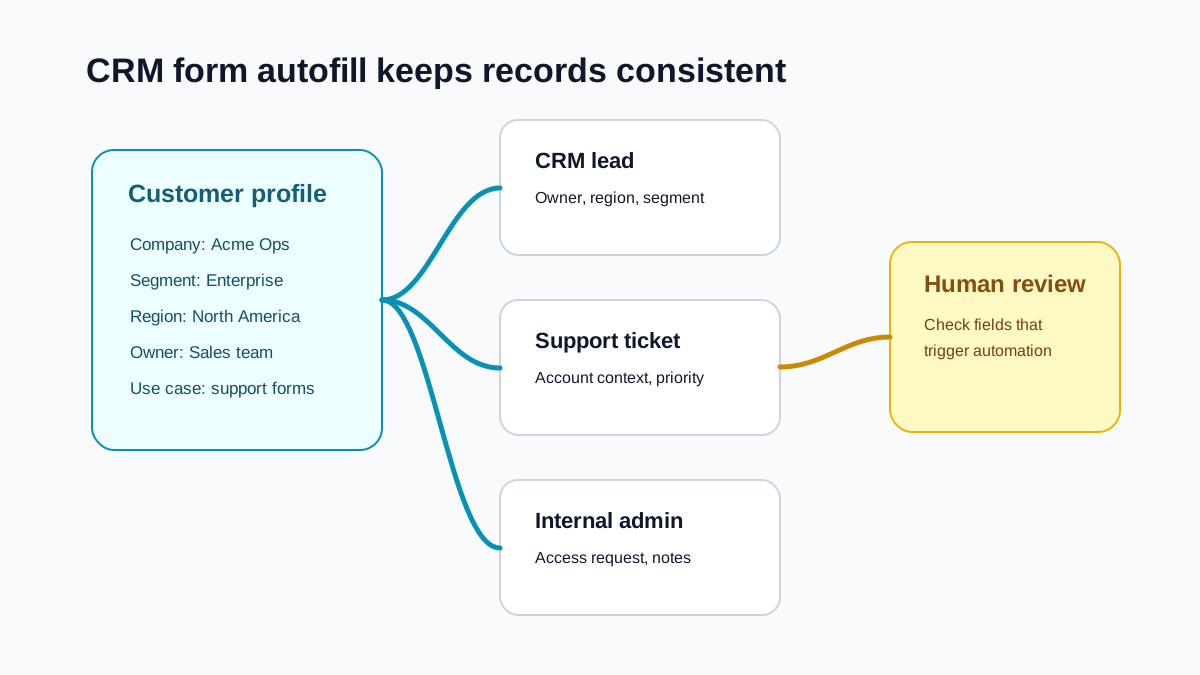
CRM Form Autofill for Sales, Support, and Operations Teams
How CRM form autofill and internal tool form filling can reduce repetitive data entry while keeping records consistent and reviewable.
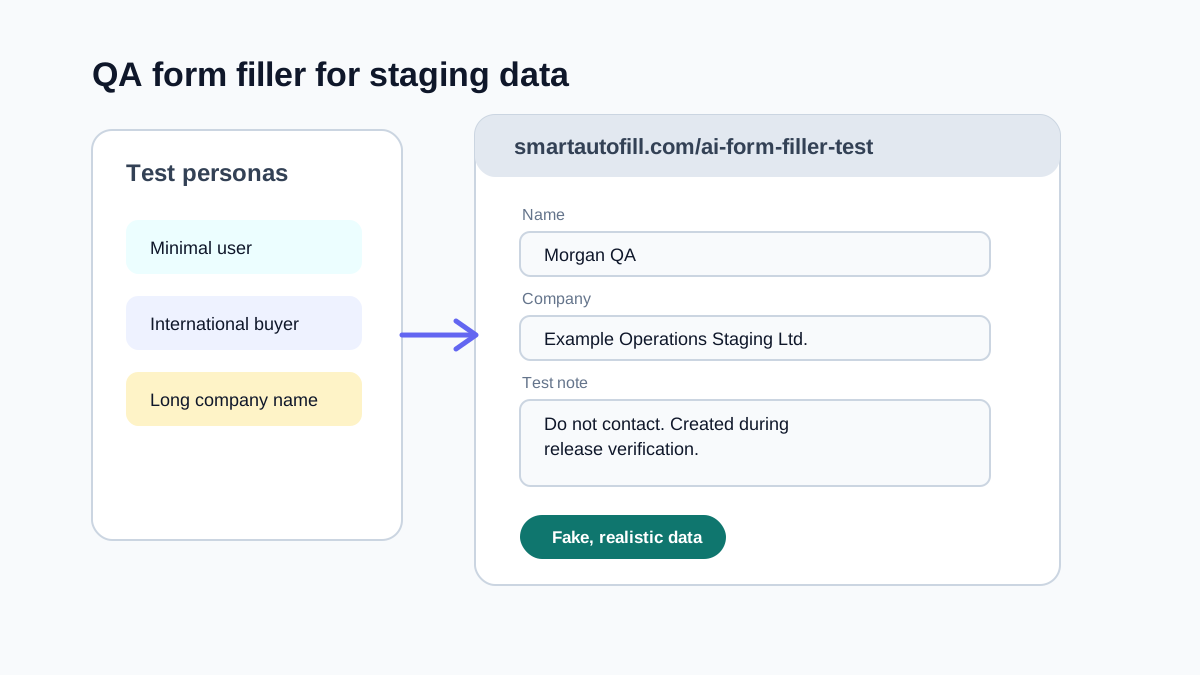
Using a Form Filler for QA Testing and Staging Without Polluting Real Data
A practical QA form filler guide for staging forms, test data, edge cases, and repeatable browser testing workflows.
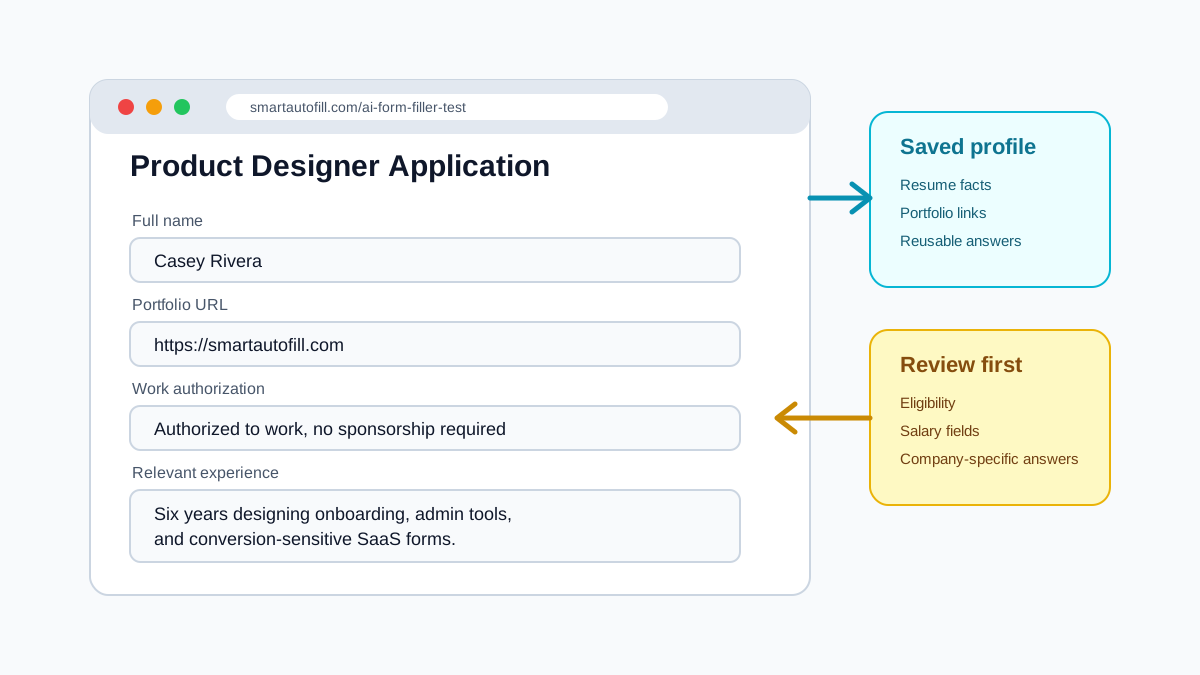
How to Autofill Job Applications With AI Without Losing Control
A practical guide to job application autofill for ATS forms, repeated profile fields, screening questions, and safe human review.