
Form autofill for data entry is not only about typing faster. For data entry teams, the bigger value is consistency. The same lead, customer, vendor, ticket, applicant, or partner record often moves through several tools. Every manual copy creates a chance for drift.
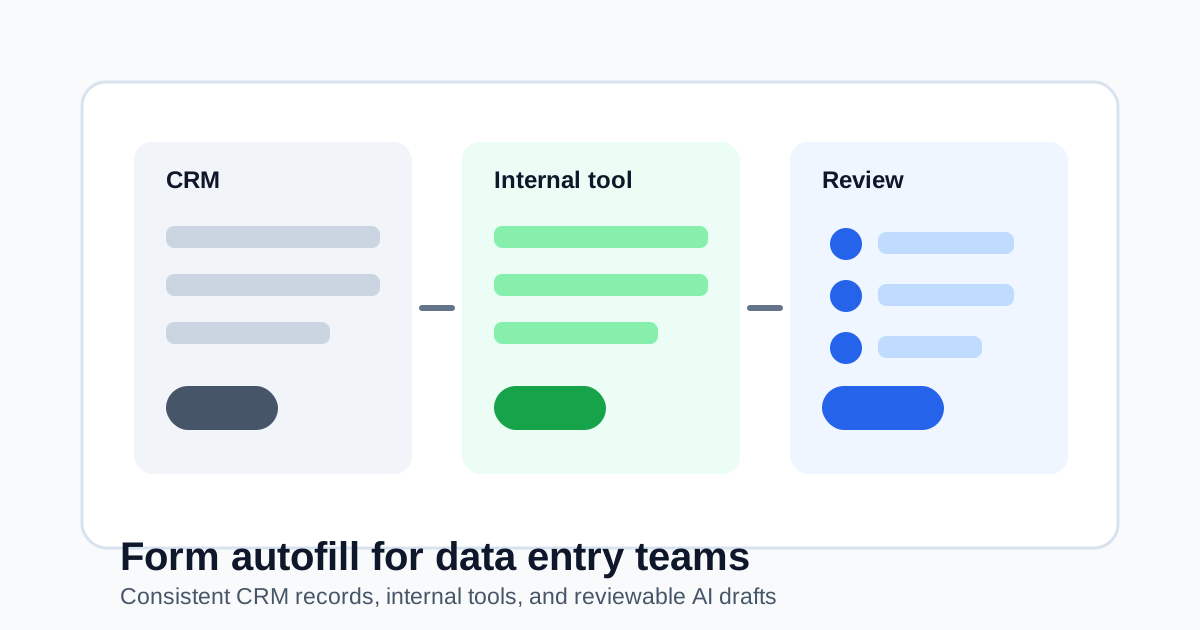
SmartAutoFill supports this workflow through CRM form autofill: draft repeated business fields from saved context, apply them to visible web forms, and keep the final save or submit action under human control.
Where data entry teams lose time
Repeated browser form work often happens in:
- CRM lead and contact forms.
- Customer onboarding tools.
- Support ticket metadata.
- Vendor intake forms.
- Internal admin dashboards.
- Recruiting and applicant tracking tools.
- Billing request forms.
- Product feedback trackers.
- Access request systems.
The fields may look simple, but the volume adds up. A team might copy the same company description, region, website, contact details, product line, or account note many times a week.
Why consistency matters
Manual entry creates small differences:
- "United States" vs "USA".
- "VP Sales" vs "Vice President of Sales".
- Missing website URLs.
- Duplicate company records.
- Slightly different summaries in different tools.
- Support notes that omit useful context.
Small inconsistencies make reporting, search, handoffs, and cleanup harder. Form autofill helps by turning approved context into repeatable draft values.
What an AI form filler can do for teams
An AI form filler is useful when a record can be drafted from context:
- Company profile.
- Contact details.
- Role and department.
- Website and social links.
- Account summary.
- Support or operations notes.
- Internal request details.
- Safe synthetic data for staging.
The tool should not invent private customer data or make commitments on behalf of the team. It should create a draft that the user reviews.
A safer team workflow
Use form autofill as a reviewable helper:
- Save approved business context.
- Open the CRM, support, or internal tool form.
- Scan visible fields.
- Generate a fill plan.
- Review values and edit anything that needs judgment.
- Save or submit manually.
That workflow reduces repetitive typing without hiding responsibility.
What to avoid
Do not use form autofill to:
- Save records without review.
- Fill payment, bank, identity, or password fields.
- Invent customer details.
- Bypass approval workflows.
- Make legal, contractual, or support commitments automatically.
For sensitive records, the safest field may be the one the tool leaves blank.
Related reading
For more CRM examples, read CRM Form Autofill for Sales, Support, and Operations Teams. For QA and staging usage, read Using a Form Filler for QA Testing and Staging.
Bottom line
Form autofill for data entry teams works best when it improves consistency and reduces repeated typing while keeping people in control. SmartAutoFill is built for that reviewable middle ground: enough automation to remove busywork, not so much automation that records become untrusted.