
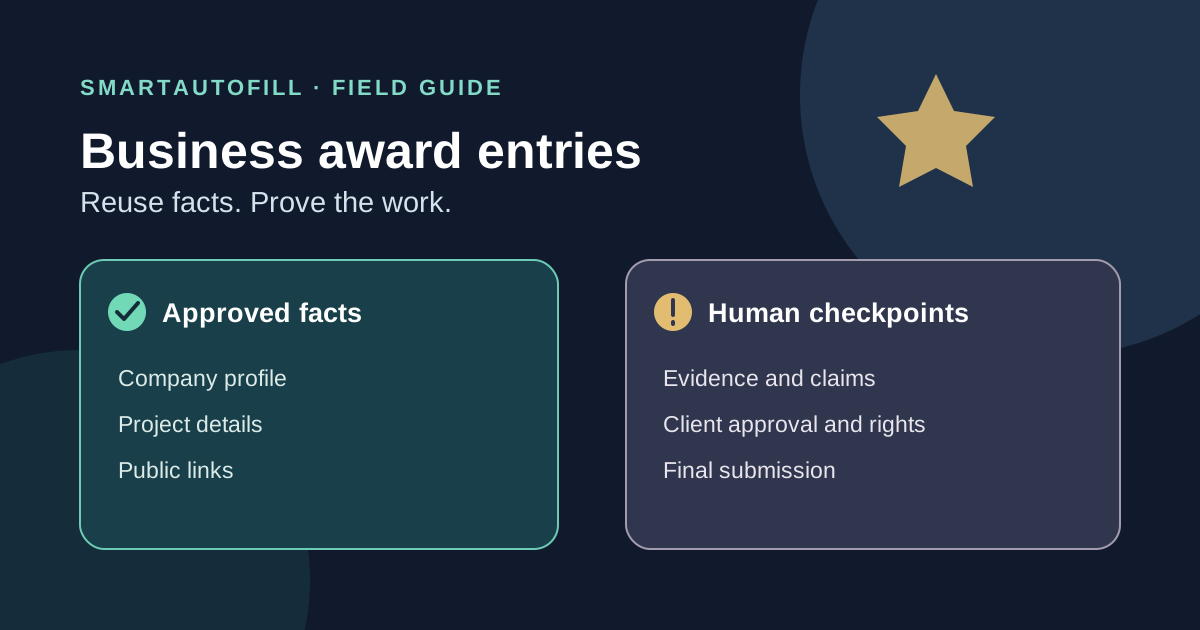
Your team has one approved company profile and three award deadlines. Each portal asks for the agency name, website, client, and project dates. Then the questions diverge: one wants a short account of the work; another asks for measurable impact; a third requires a PDF, client permission, and an executive sign-off. Reusing the first set of facts is sensible. Reusing the same award story everywhere is usually not.
This is the narrow place where an AI form filler may help: placing approved, current facts into reviewable fields on a browser page while your team retains the editorial and submission decisions. If your real bottleneck is evidence gathering, client approval, or writing a category-specific case, a form filler will not solve it. This guide helps marketers, agencies, founders, and operations teams decide which parts of an award entry to reuse, which to draft afresh, and when the organizer's own workflow is the better tool.
Start with the organizer's entry route
Before choosing any extension, read the entry instructions for the actual award. The UK Agency Awards entry guide asks entrants to complete a separate entry form for each category, collect supporting documentation, and upload a Word or PDF document through its portal. It also provides a company profile in the account. In that workflow, your first job is to prepare the required document and use the portal's profile. A browser field filler cannot replace a document upload or turn a Word form into an editable web form.
Other programs ask for substantial text directly in an online entry form. The Creative B2B Lions guidance describes a written explanation, verifiable proof of impact, optional supporting materials, and senior executives who can approve the submission. Here, a tool might help with repeat contact or company fields. It cannot supply proof, obtain approval, or decide which results the judges should see.
Use this buying test before installing anything:
| What slows the team down? | Better starting point | Why |
|---|---|---|
| Repeated ordinary fields across distinct web portals | A review-first browser form filler | It can draft and place known facts for inspection |
| One organizer provides a reusable profile or saved draft | The organizer's own system | It already holds the data for that program |
| The entry is mainly a Word/PDF document and attachments | Your document and evidence workflow | The submission artifact lives outside browser fields |
| Results, permissions, eligibility, or narrative are unsettled | A human editor and source owner | These are decisions, not field-matching tasks |
Build an approved fact packet, not a universal award answer
Keep a short source packet for facts that genuinely recur: legal or public company name, website, headquarters, contact person, approved description, project title, client name when disclosure is allowed, launch dates, and links to public work. Give each fact an owner and a review date. If the client name is confidential in one program, it should not enter a general saved profile simply because another form asks for it.
Separate that packet from the case material. The case file should contain the program-specific eligibility notes, category criteria, approved claim wording, dated metrics with a source, permitted assets, client authorization, and the person responsible for sign-off. A paragraph that won approval for one category may be irrelevant or disallowed in another. Reuse the evidence repository; rewrite the argument for the judges in front of you.
The Cannes Lions entry guide says statistics and outcomes in entries need verifiable evidence and lists checks for brand permission, asset rights, and executive approval. Those are good prompts even when you enter a different award. A polished number without a source is still an unsupported claim. A client logo in a folder is not proof that it may be submitted or published.
Where SmartAutoFill fits
SmartAutoFill's AI form filler is a Chrome and Edge extension for the current browser page. You choose saved profile or selected context; it drafts and fills compatible, reviewable fields, then leaves correction and submission to you. Hosted use consumes credits, with current plans and credit details. Safe Mode and More Mode change filling scope, not the requirement to inspect the result.
For award entries, that makes it a candidate for company and contact details, stable project facts, or a short description already approved for this use. Paid hosted AI Materials Pro can bring selected source material into the fill context. Treat a supplied document as evidence to check, not as permission to publish every fact it contains. Never assume the extension will work on a particular organizer's custom controls, multi-step portal, attachment uploader, or Word/PDF entry form. Try the actual page, inspect every field, and complete skipped fields manually.
The extension does not blindly auto-submit. It is not an award-writing service, a fact verifier, a rights-clearance system, or a way to send entries without approval. If the organizer's portal already saves your profile and draft, compare the time saved by that built-in workflow before spending credits on a separate tool.
A review pass that catches the expensive mistakes
Imagine a team entering the same campaign into two legitimate award programs. The company and project title are stable, but the eligibility windows, word limits, and judging criteria differ. A useful review sequence is:
- Check the recipient and category. Confirm that the page belongs to the organizer, that your work meets the stated eligibility period, and that this is the category your team chose. Do not bulk-submit the same case into every available category.
- Check field mapping. Inspect the filled company, entrant, client, and project fields. “Entrant” may mean the agency in one portal and the brand in another. Confirm date formats and word limits. If a field is missing, fill it yourself rather than forcing a guess.
- Check every claim against its source. Open the approved metrics sheet or report. Confirm the measurement period, units, attribution, and permission to disclose the result. Do not let AI invent a percentage or turn a qualified result into a guaranteed one.
- Check assets and approvals. Verify that the client approved the case, the people named can be contacted, and the team has rights to use each image, video, testimonial, or logo. Upload required files through the organizer's intended process.
- Check the action. Read the organizer's rules, declarations, consent boxes, fees, and final preview. The responsible person decides whether to agree, pay, and submit. Save a copy of the final entry and confirmation if the portal allows it.
This last pass matters because some organizers restrict editing after checkout. The Cannes Lions guide explicitly includes a final checklist for permissions, sources, and approval before an entry is completed. A form that looks full is not necessarily ready to send.
When to leave the extension out
Use the organizer's own account and document templates when they already handle the repeated facts. Use a collaborative writing process when the value lies in telling the case, choosing evidence, and obtaining client approval. If an entry is mostly a file upload, payment page, legal declaration, or secure identity step, there may be little for an AI form filler to do.
SmartAutoFill is also a poor fit for award spam, fabricated results, impersonating a client, credential stuffing, payment autofill, password management, or unsafe automatic submission. People remain responsible for sensitive, legal, payment, password, and consent fields. An entry should represent work you can substantiate, in a category you actually qualify for.
Before using it on a live award portal, test SmartAutoFill on a public sample form. For related decisions, see the AI form filler privacy and safety guide and how AI form filling differs from a browser agent. The useful division of labor is straightforward: let the tool suggest where approved facts go; let the team own the story, evidence, rights, and final click.