
Workday, Greenhouse, Lever, Ashby, iCIMS, LinkedIn, Indeed, and company career pages all ask job seekers to repeat similar information. The hard part is not one form. The hard part is applying across many systems where the same facts appear under different labels, field orders, and required formats.
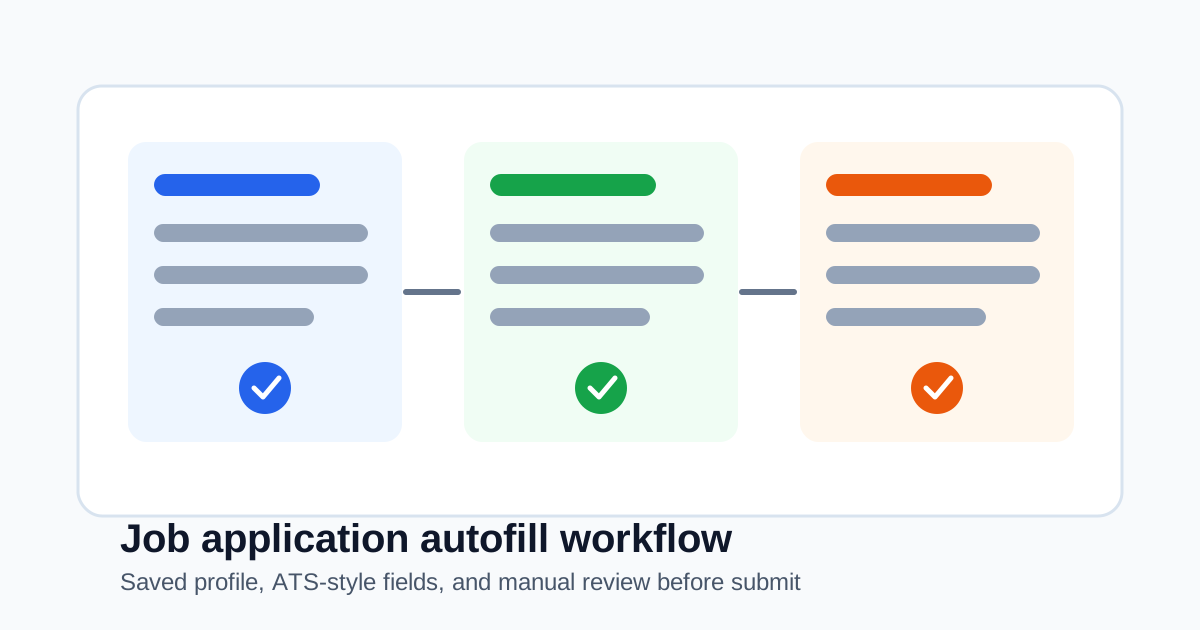
SmartAutoFill approaches this as job application autofill, not as a promise of site-specific bot automation. That distinction matters. An AI form filler can draft values for visible fields from your saved profile and context, without claiming guaranteed integrations with every ATS.
What repeats across ATS-style applications
Most job application systems ask for some mix of:
- Name, email, phone, location, and preferred contact details.
- LinkedIn, GitHub, portfolio, website, and writing samples.
- Current role, company, years of experience, notice period, and remote preference.
- Education, degree, school, graduation year, and field of study.
- Employment history and project summaries.
- Work authorization, sponsorship, relocation, and salary expectations.
- Screening questions such as "Why this role?" or "Tell us about a relevant project."
Browser autofill can help with the first few fields. An AI form filler can help with the fields that need context.
What AI can reasonably help with
An AI form filler can be useful when:
- The page has visible fields with labels or nearby text.
- Your saved profile contains the facts needed.
- A field asks for a short summary or explanation.
- A dropdown option can be inferred from the page and your profile.
- The answer is a draft that you will review.
For example, it may draft a concise "relevant experience" answer from your saved work summary. It may map your portfolio URL to the right field. It may reuse your preferred work location or remote preference when the field is clear.
What should stay manual
Some parts of job applications should not be blindly automated:
- Work authorization and sponsorship.
- Salary expectations.
- Voluntary disclosures.
- Legal attestations and signatures.
- Local file uploads such as resumes and cover letters.
- Questions that require fresh judgment for a specific role.
The right workflow is to draft repeated fields, inspect the page, then submit manually.
Why we avoid guaranteed integration claims
ATS pages change. They can use iframes, custom components, shadow DOM, validation rules, and multi-step flows. Some file upload controls cannot be automated by browser extensions because the browser requires the user to choose local files manually.
That is why this guide describes workflow support without claiming guaranteed integrations. SmartAutoFill can help on many normal web forms, but a serious application still deserves human review.
A practical setup
Before filling applications, prepare:
- A saved profile with contact details and links.
- A short professional summary.
- Reusable work history facts.
- Project summaries you are comfortable reusing.
- Saved answers for recurring questions.
- A note about fields that must always be reviewed manually.
Then open an application, choose the job application context, generate a fill plan, and review every value before submitting.
Related reading
For the broader workflow, read How to Autofill Job Applications With AI. For the difference between AI filling and browser autofill, read AI Form Filler vs Browser Autofill.
Bottom line
AI can reduce repeated typing across Workday, Greenhouse, Lever, and other ATS-style forms. The safest version is not "apply everywhere automatically." It is "draft the repeated parts, keep the human review, and submit only when the application says what you mean" without claiming guaranteed integrations.